Downloading Maps on Apple Watch
To use Topo Maps+ offline you need to download maps before you head out. All downloaded maps will be available to use when you are offline in the backcountry.
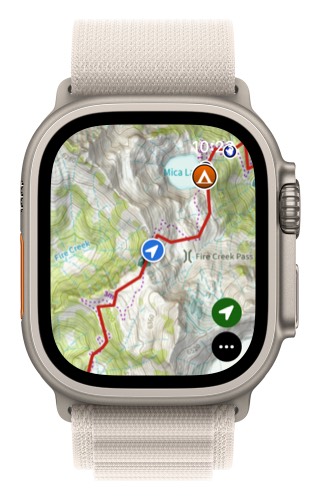
- Tap on the menu button in the lower right corner.
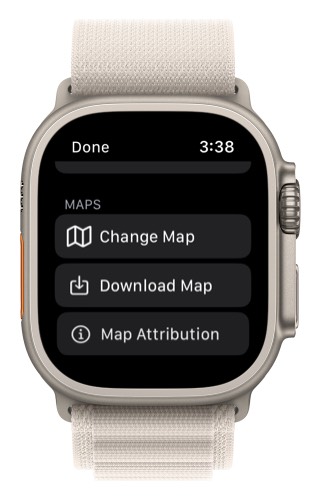
2. Scroll down and tap Download Map.
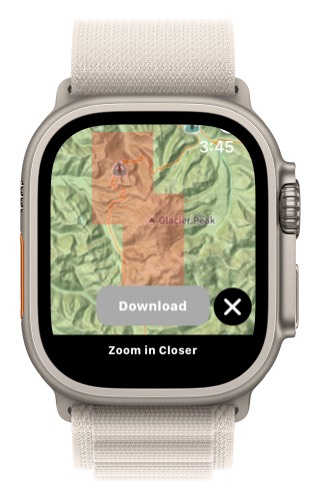
- Next pan and zoom the map to the are you want to download and then tap on the Download button.
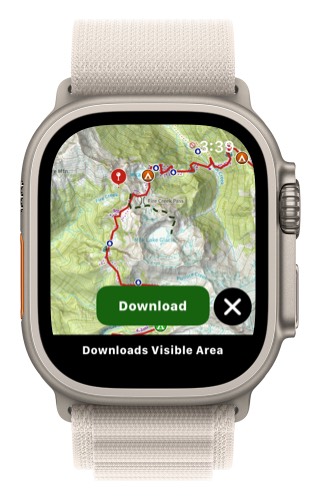
- This will then download the area visible on the map.
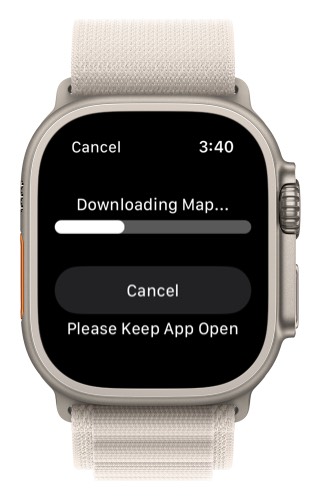
- Any area that is downloaded will have a red box over it. This lets you check to see which areas are downloaded.
To Delete a Downloaded Map:
- Tap on the menu button in the lower right corner (3 dots)
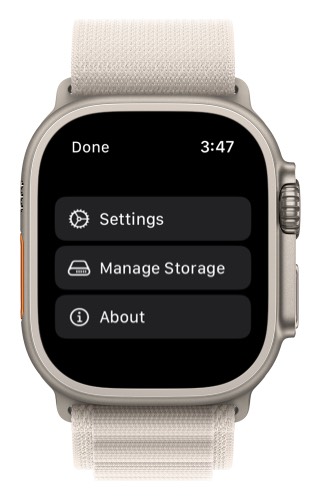
- Scroll down and select Manage Storage.
- Tap on a downloaded map you want to delete.
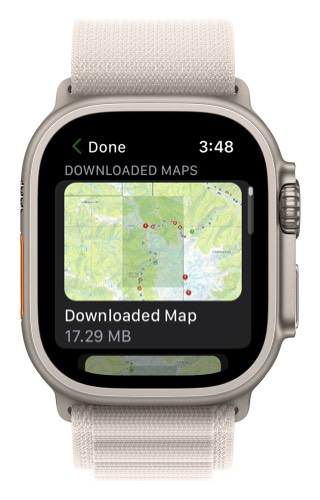
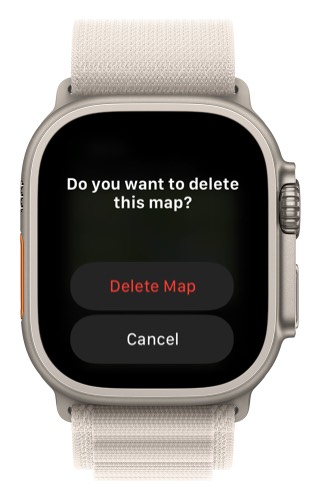
- Tap Delete Map