
Guide Me on Apple Watch
Note: The bearing shown on Guide Me will always be based off True North. Switching to Magnetic North in settings won’t change this.
Topo Maps+ can guide you to a point on the map or to a waypoint.
- To go to a waypoint, tap on the waypoint on the map.
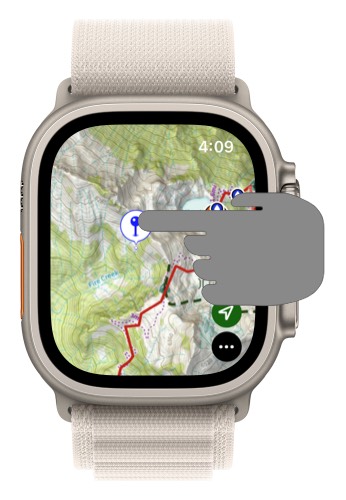
- Then select Guide Me from the menu.
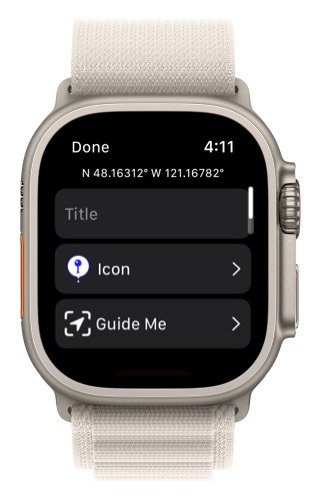
- This will bring up Guide Me.
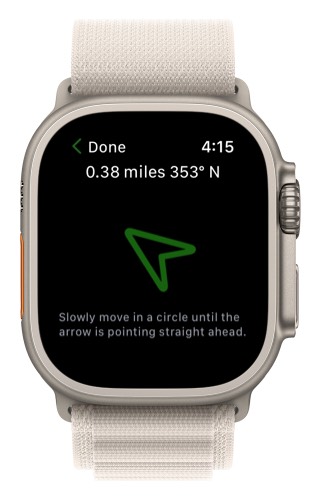
- At the top you will see how far away the waypoint is.
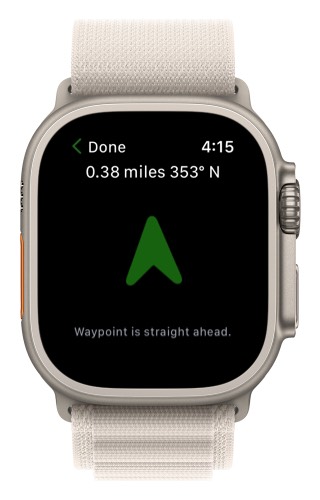
Keep your wrist flat and then slowly move in a circle until the arrow is pointing straight up. The waypoint will then be straight ahead.
- You can also use guide me to any point on the map.
Tap and hold on a location on the map.
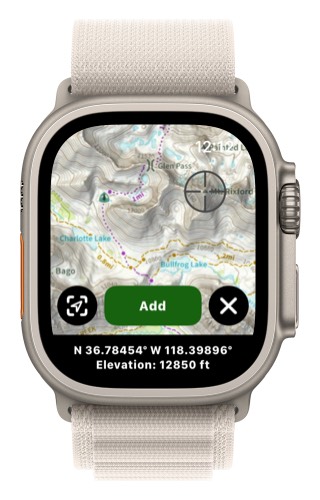
- Then move the crosshairs to the location you want to guide to.
- Then select the Guide Me icon in the lower left corner.