
Action Buttons
NOTE: This requires an Apple Watch Ultra
Recording Tracks
- Open the Settings app on your Apple Watch
- Tap Action Button
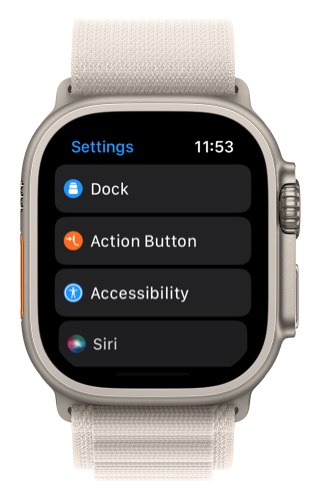
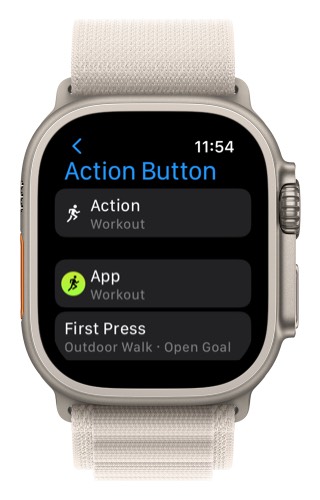
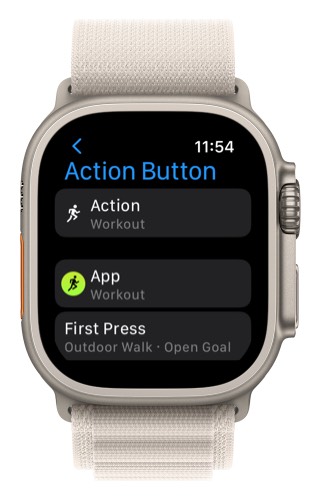
3. For the action make sure that Workout is selected.
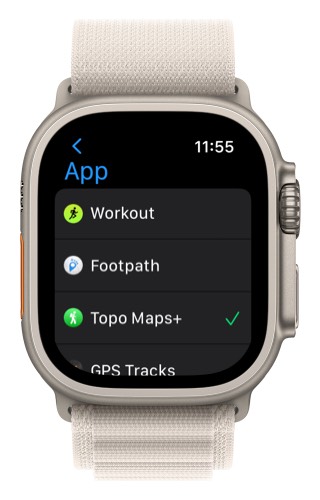
4. Tap on App
5. Next tap Topo Maps+
- Now, the first time you press that Action Button it will start a new recording in Topo Maps+.
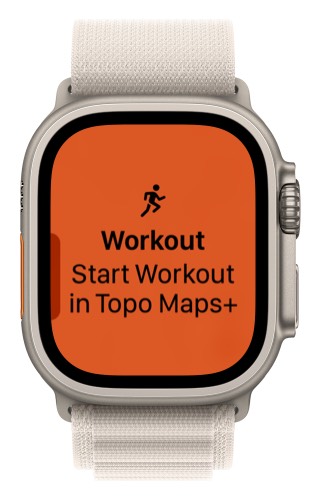
- Then, when you press the Action Button it will toggle between the map and the metrics.
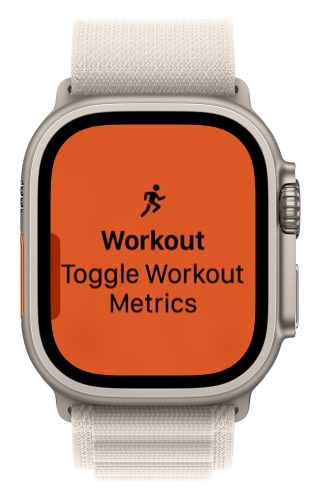
This allows you to use Topo Maps+ without needing to touch the screen. You can use the action button combined with the digital crown to zoom the map, see metrics, and switch between the different metric screens.
Adding a Waypoint
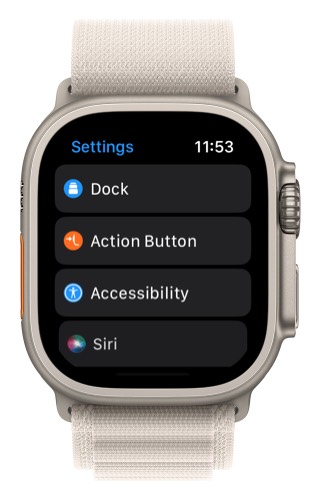
- Open the Settings app on your Apple Watch
- Tap Action Button
3. Tap on Action
4. Then tap Shortcut
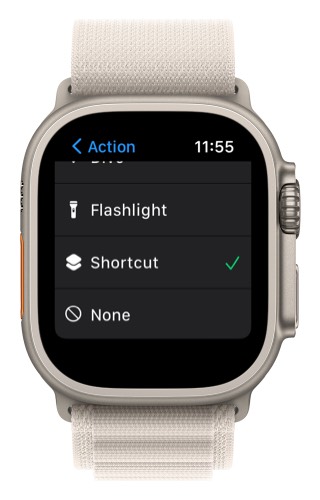
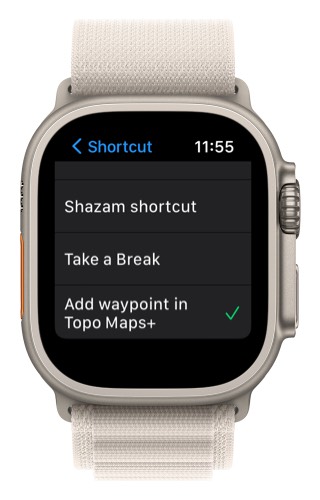
5. Then for the shortcut select Add waypoint in Topo Maps+
For more help on using the action button visit go here.