Sending Downloads to Apple Watch
Although you can download maps right from the watch, it’s a lot easier to download from your iPhone, and if you already have downloads on there, you can send them straight to the watch.
How to Send Downloads:
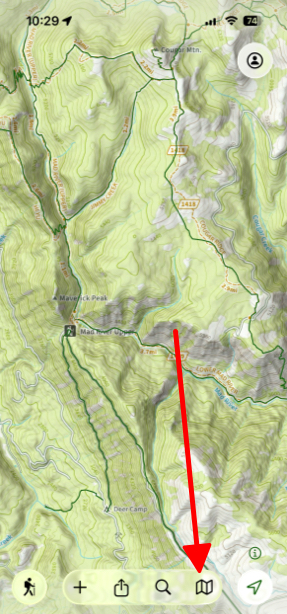
- Tap the map icon in the bottom right corner of the screen.
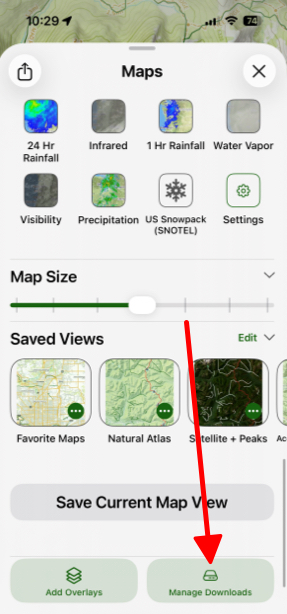
- Next scroll down to the bottom and tap Manage Downloads.
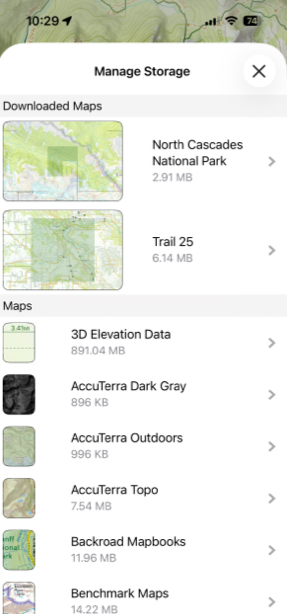
- Then select a map to manage and tap on it.
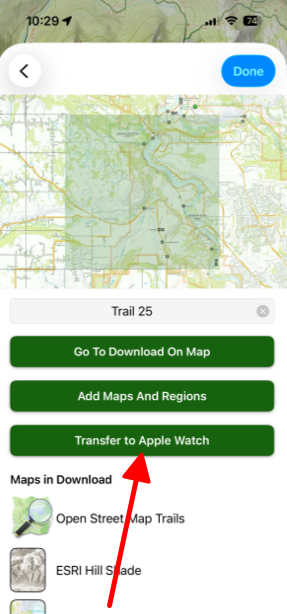
- Finally, tap Transfer to Apple Watch.