Previewing Maps from the iPhone
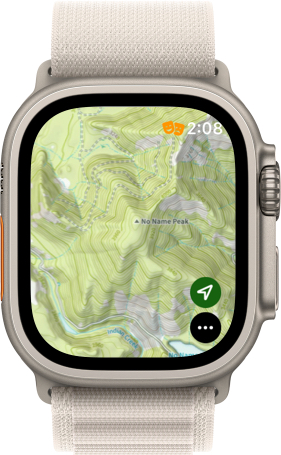
Normally, it is difficult to navigate to a certain spot on the map with the Apple Watch App, but you can actually get to a spot on the iPhone and pull up the same view on the Watch:
- Make sure Topo Maps+ is pulled up on your Apple Watch.
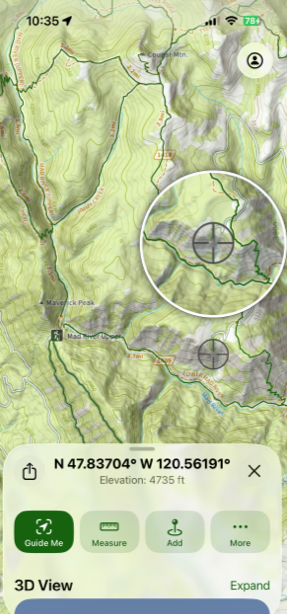
- Tap and hold on your iPhone screen where you want the view to be centered on.
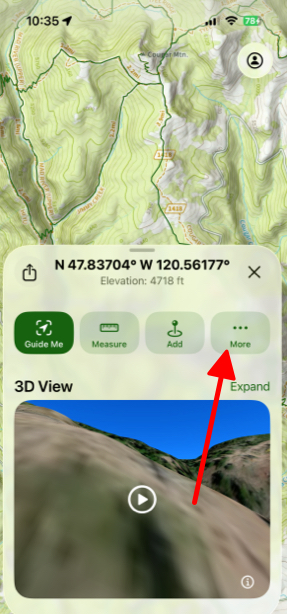
- The menu below will pull up and then you can tap on More.
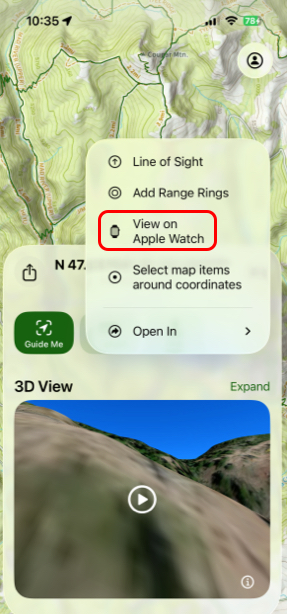
- Then tap View on Apple Watch.