Import & Export Shapeflies (shp)
You can import and export shapeflies (.shp) in Topo Maps+. When you import a shapefly, the attributes are preserved and the data is imported into a Data Layer.
Importing Shapeflies:
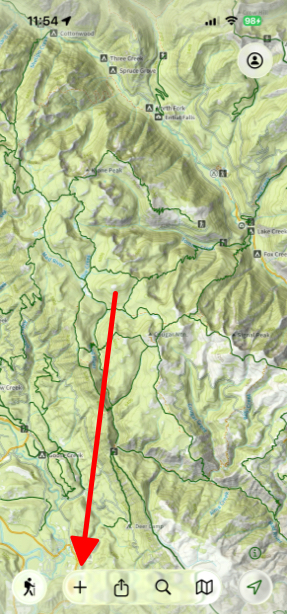
- Tap Add at the bottom of the screen.
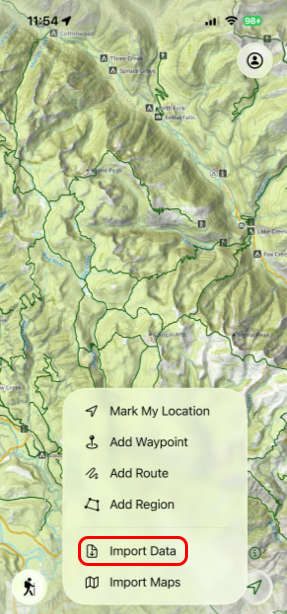
- Then tap Import Data.
- Next select the data you want to import.
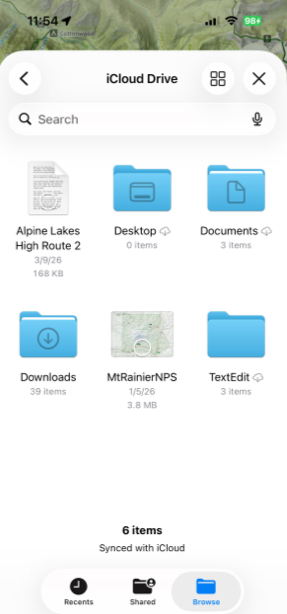
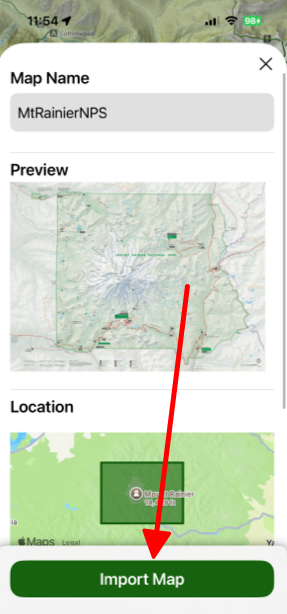
- Then tap Import Map.
Exporting Shapeflies:
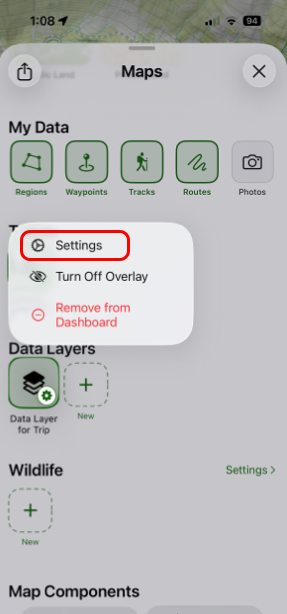
- Tap and hold on one of your Data Layers under the Data Layers tab and tap Settings.
- Next tap Export.
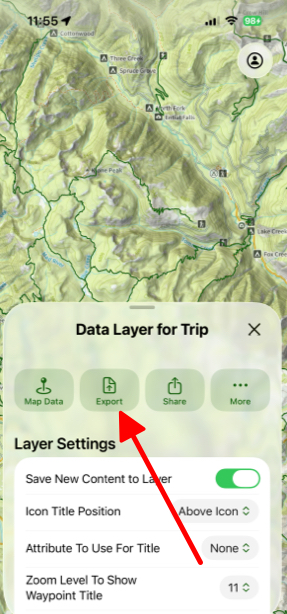
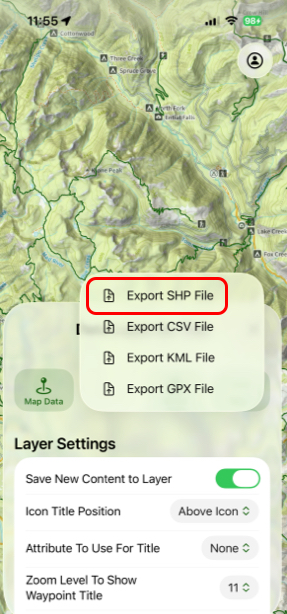
- Then tap Export SHP File.