Intro to the Web App
Welcome to Topo Maps+ for the web!
Here's a quick rundown of the layout & features on web:

Account & My Data:
This is where you will find your saved routes, waypoints, regions & recorded tracks. You can also view your account, edit account details, and view your subscription.
Search:
Use the search bar to search your data, places on the map, or actual coordinates.
Map Dashboard:
Click the map dashboard to view other basemaps & styles, and to customize layers.
Map Actions:
From top to bottom you have:
- Location button
- Toggle 3D/2D view
- Zoom in/out
- Add data. Click this to add a route, waypoint, region, or to import data.
A few other things to note:
-
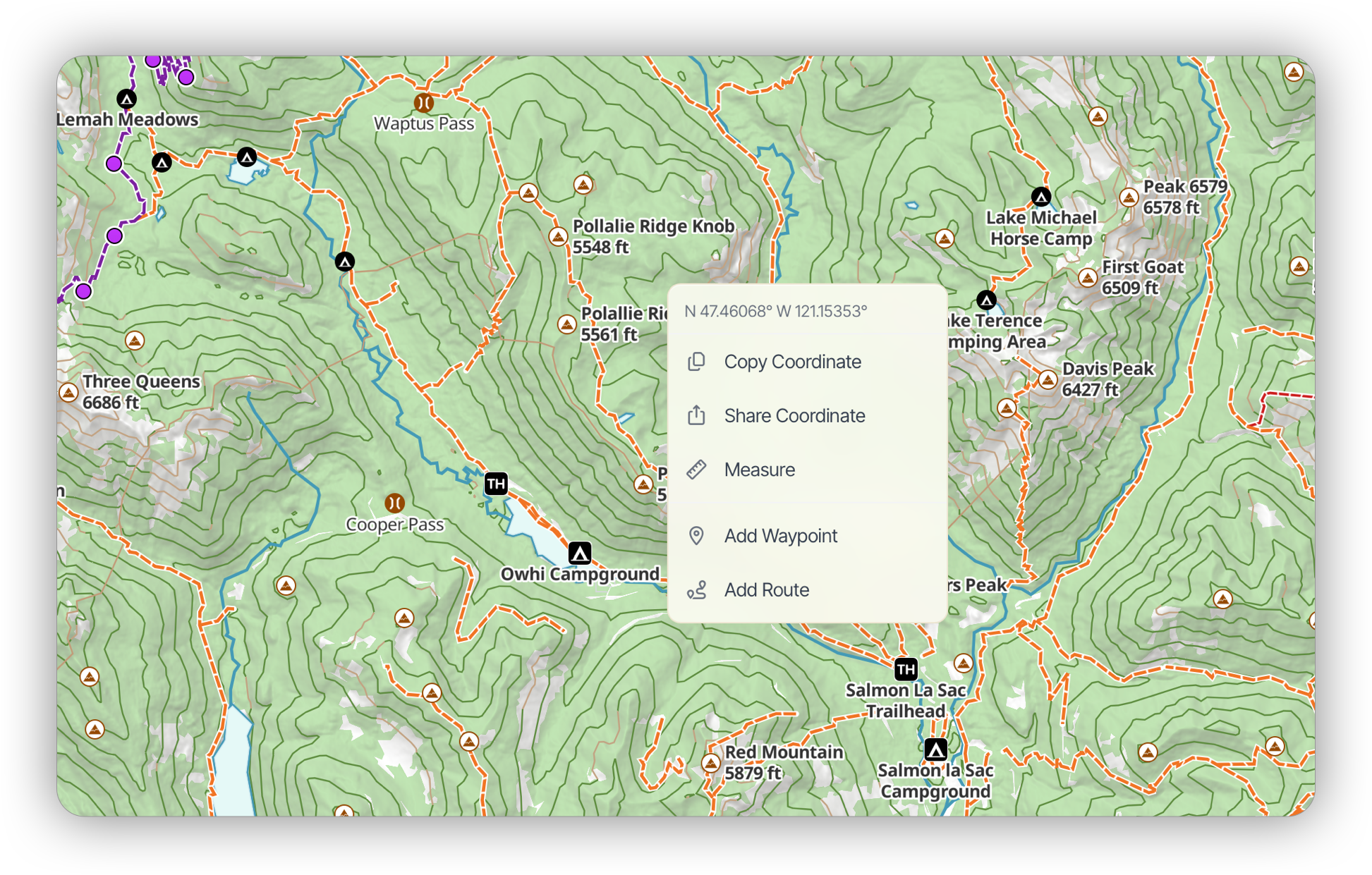
Right-clicking on the map brings up a menu for that coordinate:
-
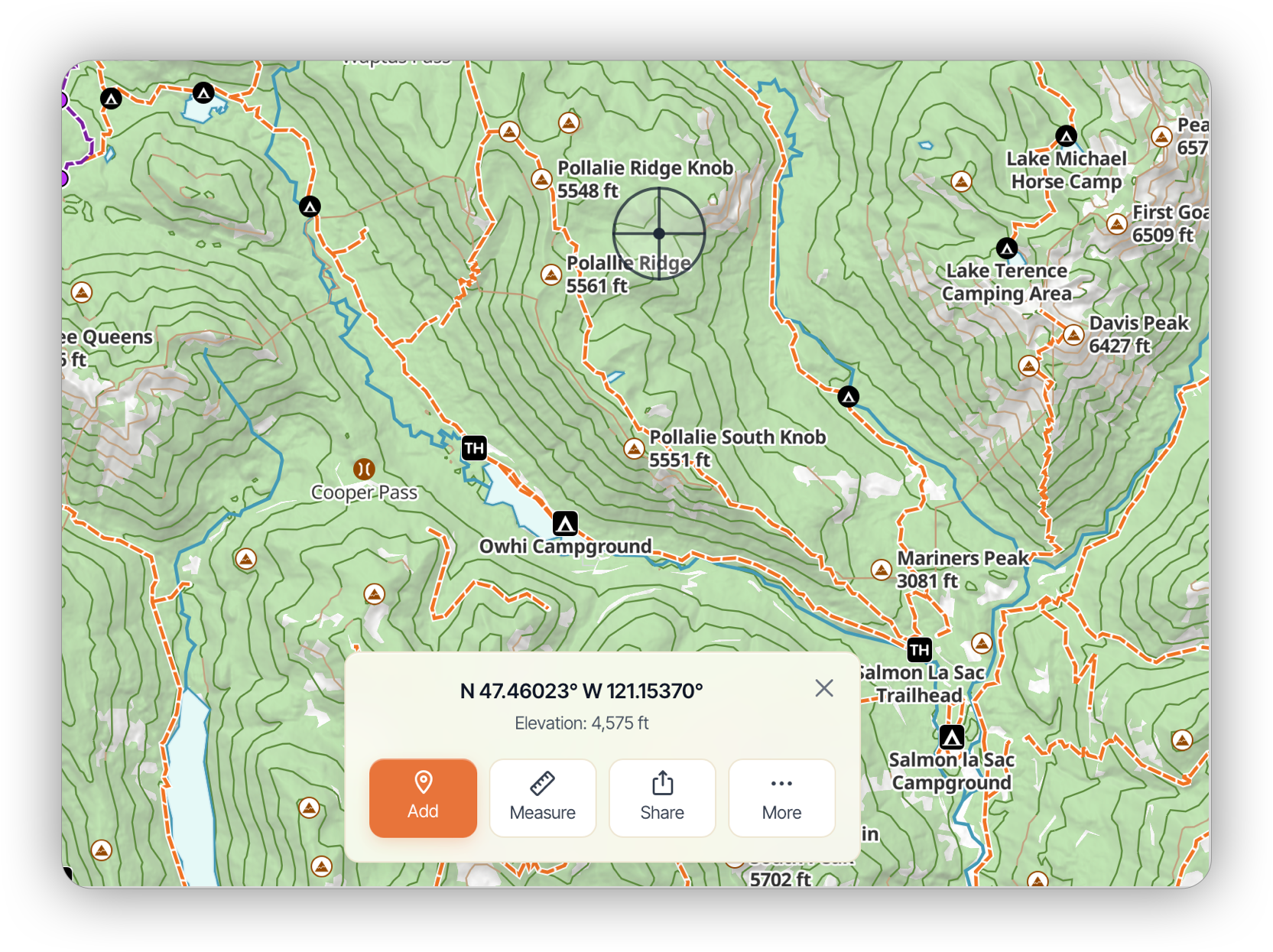
Tap & Hold on the map to bring up draggable crosshairs.