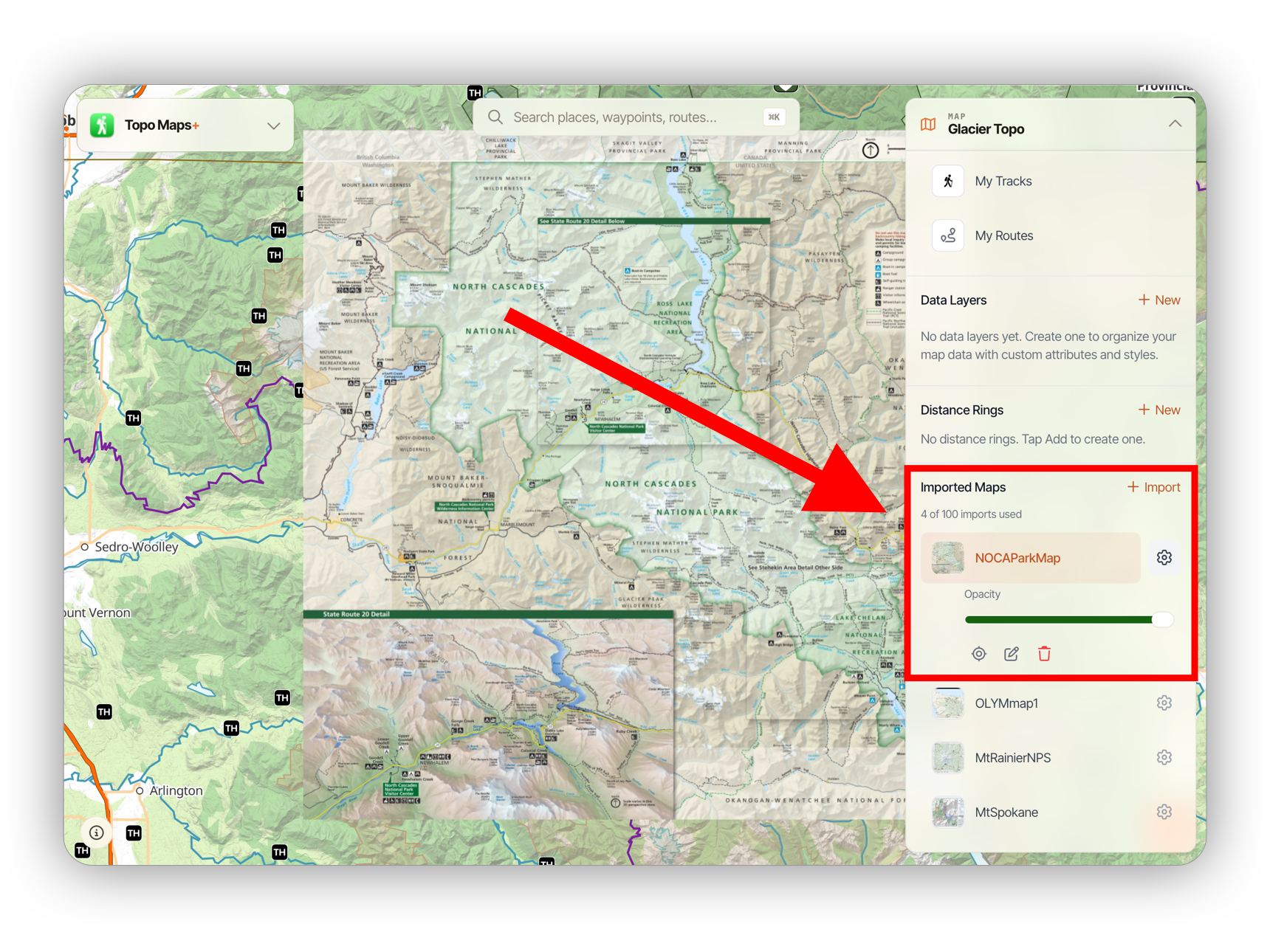
Importing Maps on the Web App
Topo Maps+ supports importing GeoPDF™️ files as map overlays.
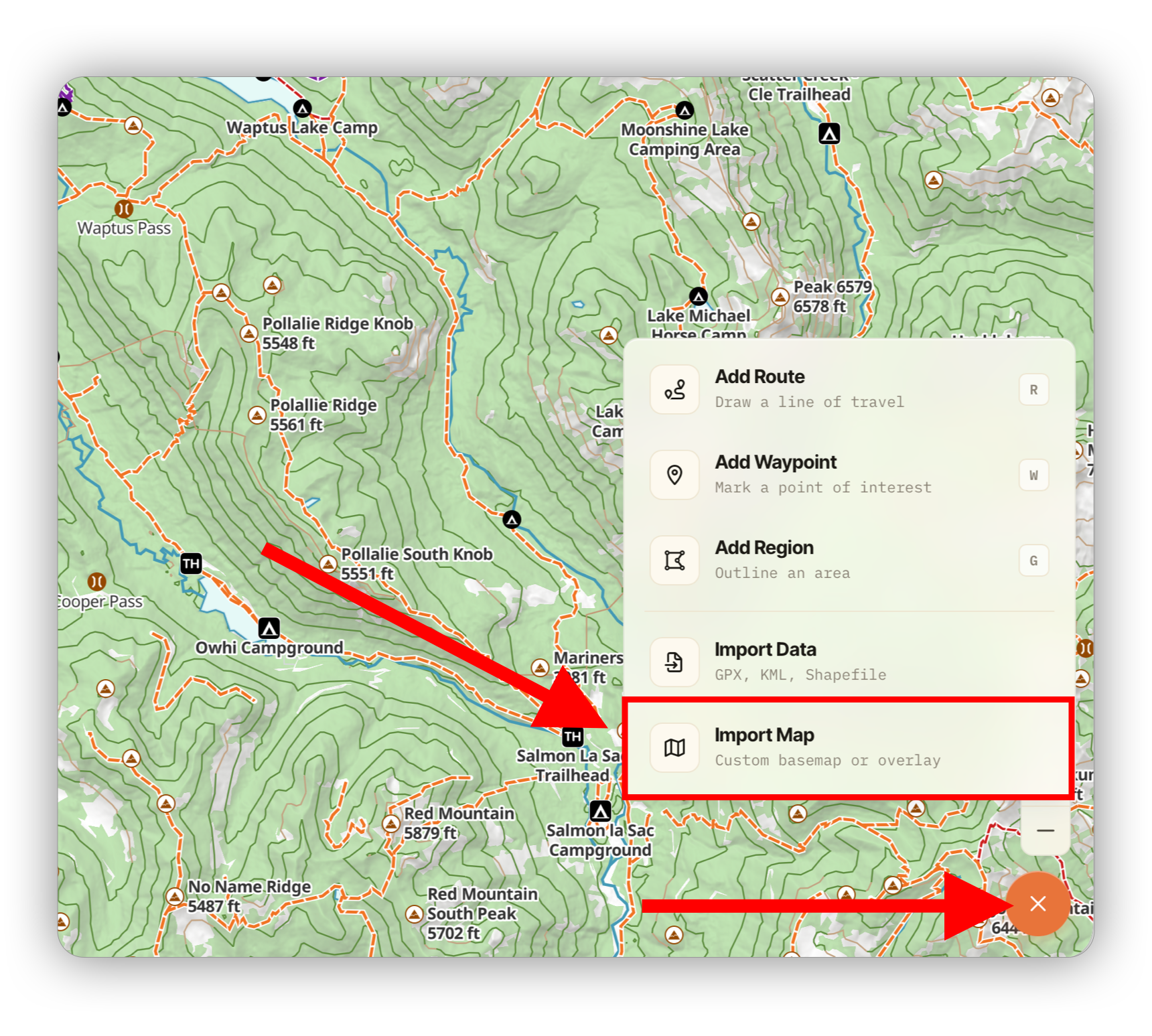
To import a map file, click the orange Add button and select Import Maps:
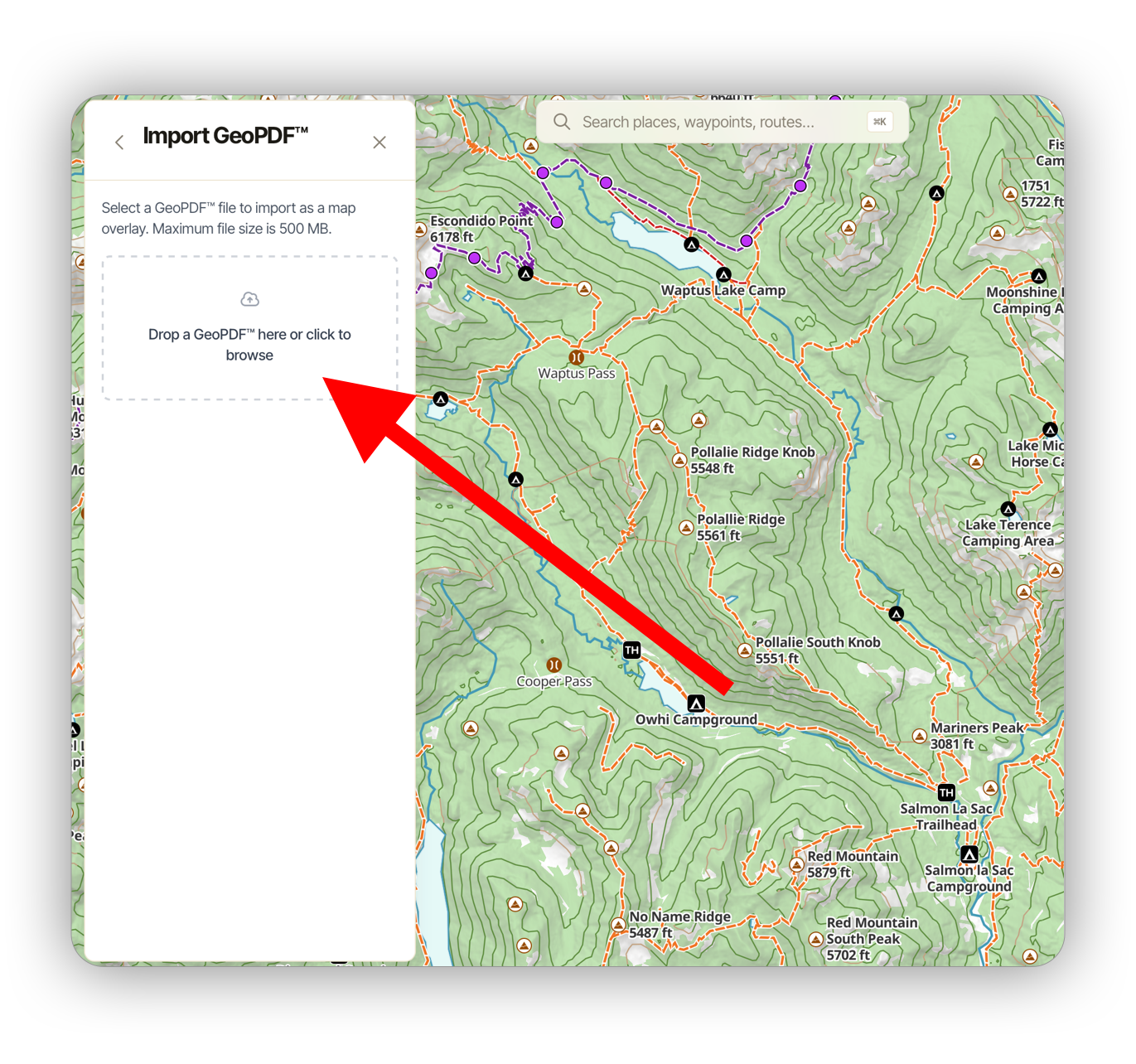
Next, click the box to select a file or drag it in. Topo Maps+ will first validate the file to make sure it is a complete, valid GeoPDF™️.
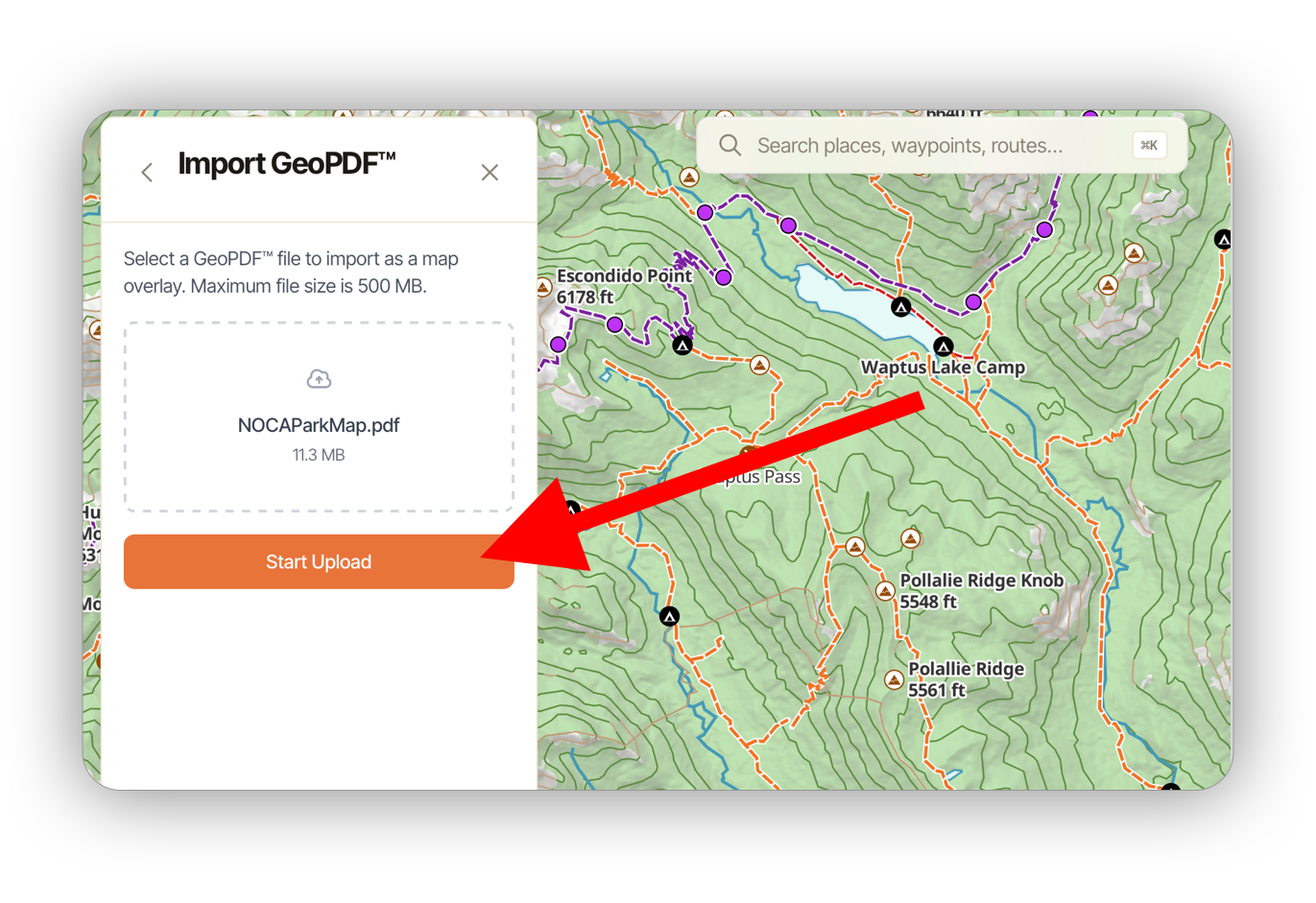
Once the validation has passed, you will see this screen. Click Start Upload to continue the import process.
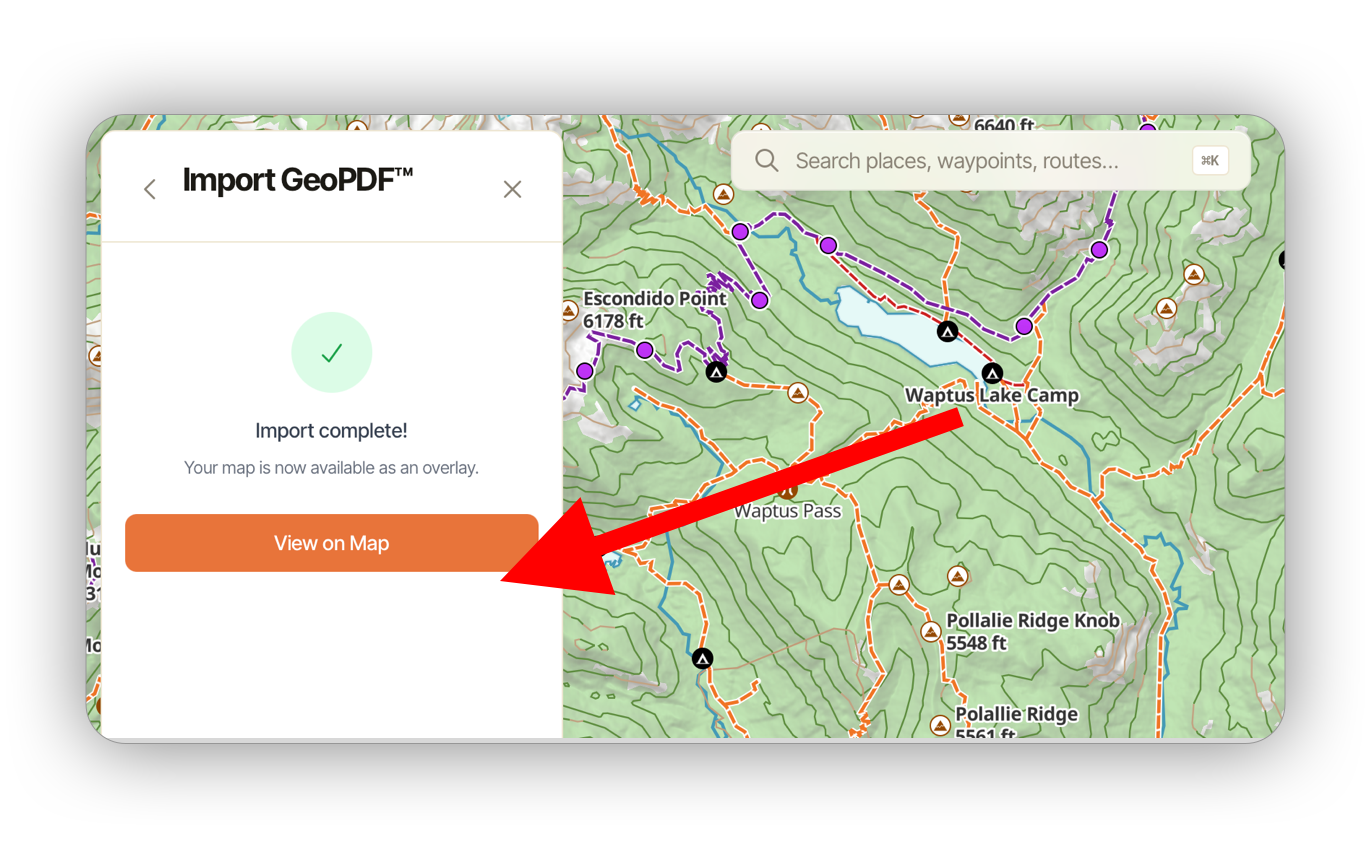
Once the upload, processing & import has completed, click View on Map to center on your imported map.
You can manage your imported map by opening the map dashboard and scrolling to the bottom: