
Subscribing to Topo Maps+ Newsletters and Emails
Note: Subscribing to our newsletter requires a Topo Maps+ account.
If you don’t have one, click here.
If you already have an account, then simply follow these steps:
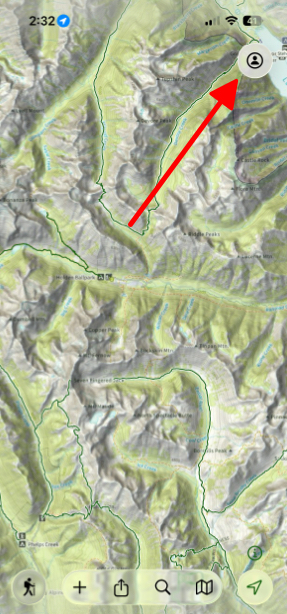
- Tap on the Menu button in the top right corner of the screen.
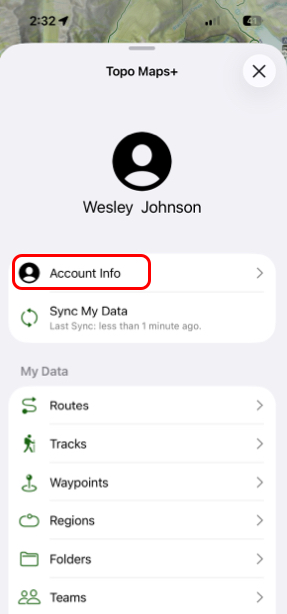
- Tap on Account Info
- Then tap Email Preferences

- Finally, toggle on that Topo Maps+ can send you emails.
