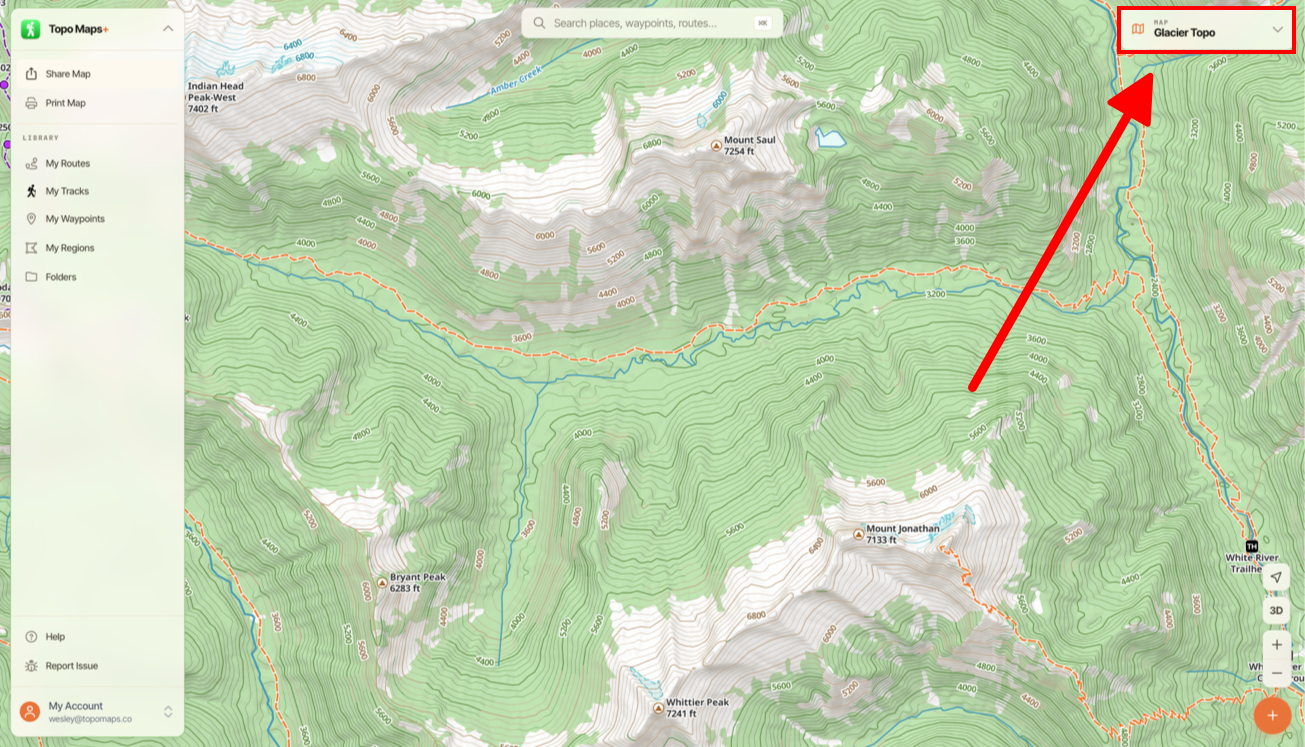
Tap the Map Dashboard in the upper right corner of the screen.
Scroll down to the Coordinate Grid section, and select a grid overlay (UTM, Lat/Lon).
If you want to enable Distance Rings then scroll down further until you see the heading Distance Rings. Under that you can enable the rings and have them fixed around a specific point if desired.
Did this answer your question?Thanks for the feedbackThere was a problem submitting your feedback. Please try again later.