
Importing Maps (Geospatial PDFs & TIFFs) on the Web App
Topo Maps+ allows you to import external maps (they must be geo-tagged) and add them to your map library in the app.
First, you’ll need to have the file downloaded to your iOS Files app. You can email it to yourself, download directly from the website hosting it, or grab it from your iCloud files.
Once the geo-tagged file is on your device, open Topo Maps+.
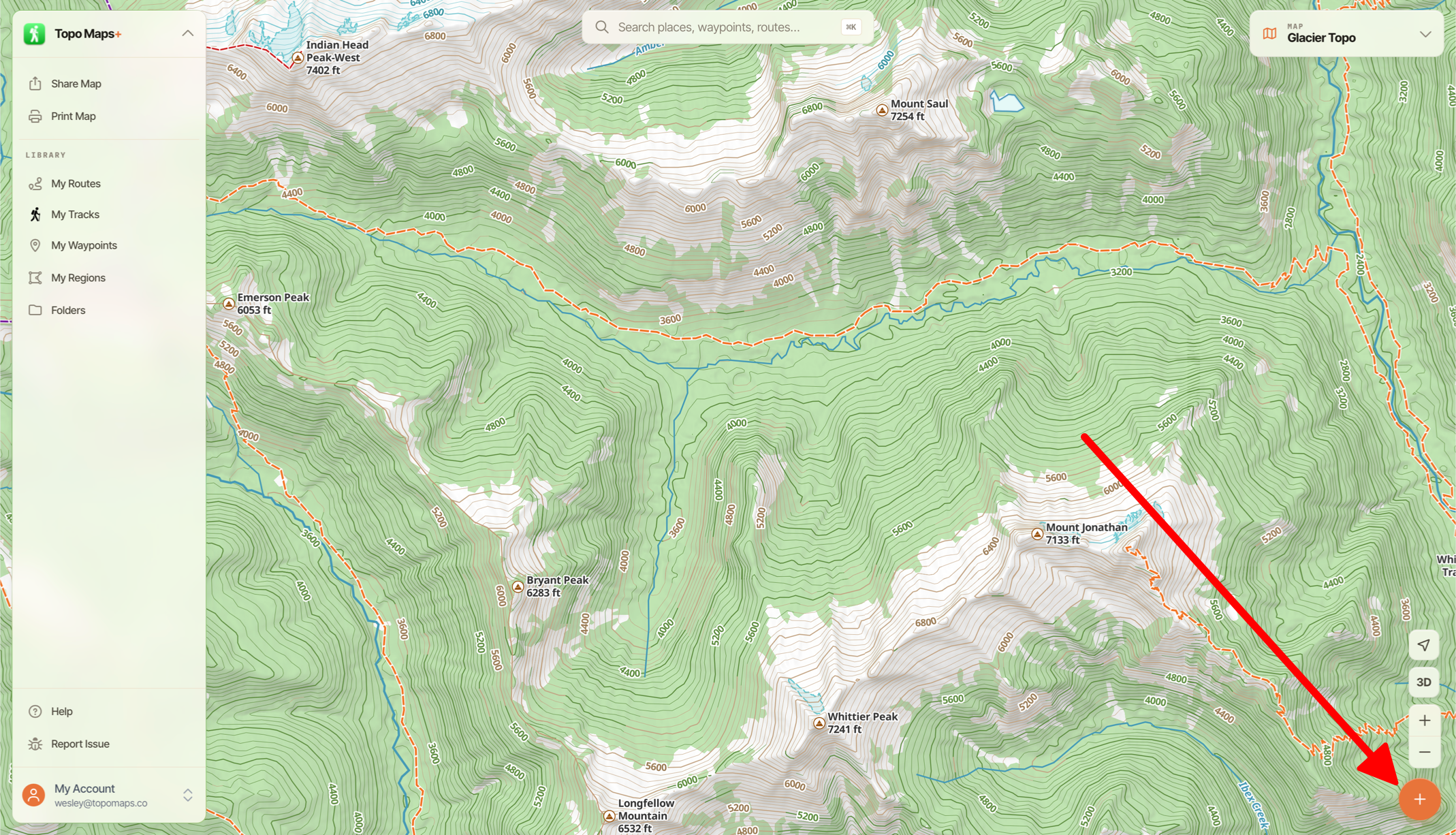
- First tap the Add button in the bottom right corner of the screen.
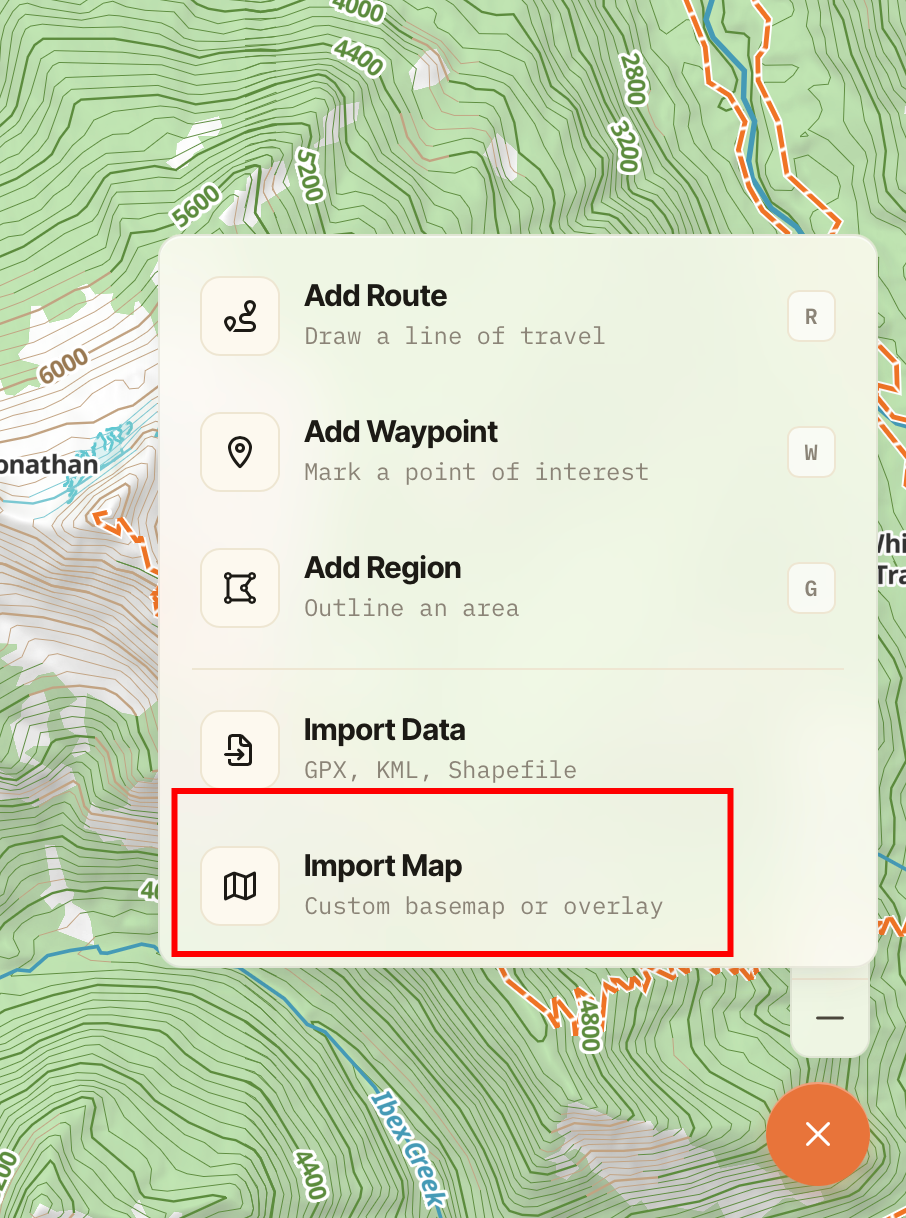
- Next, tap Import Maps.
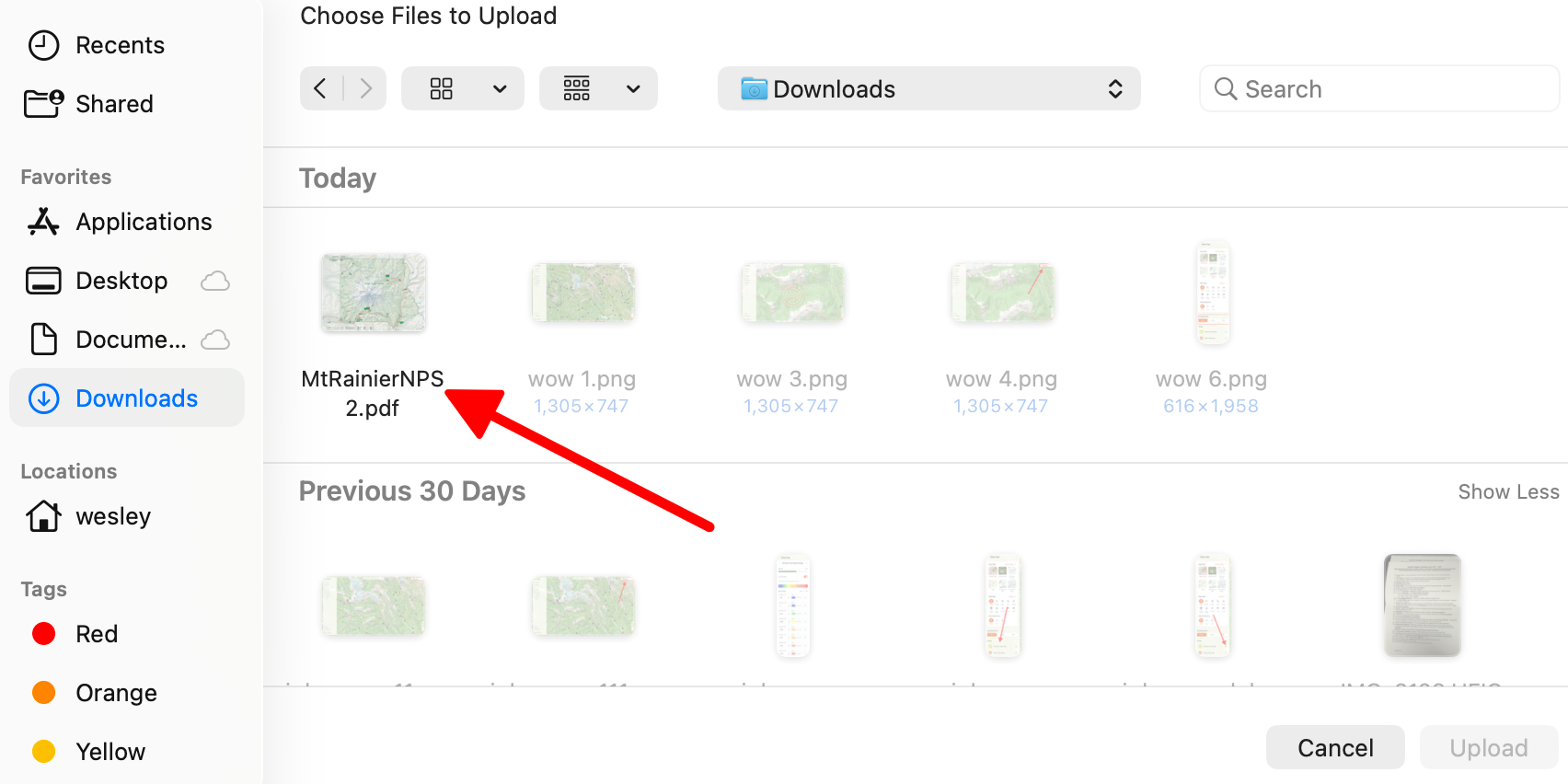
- Then, select your file.
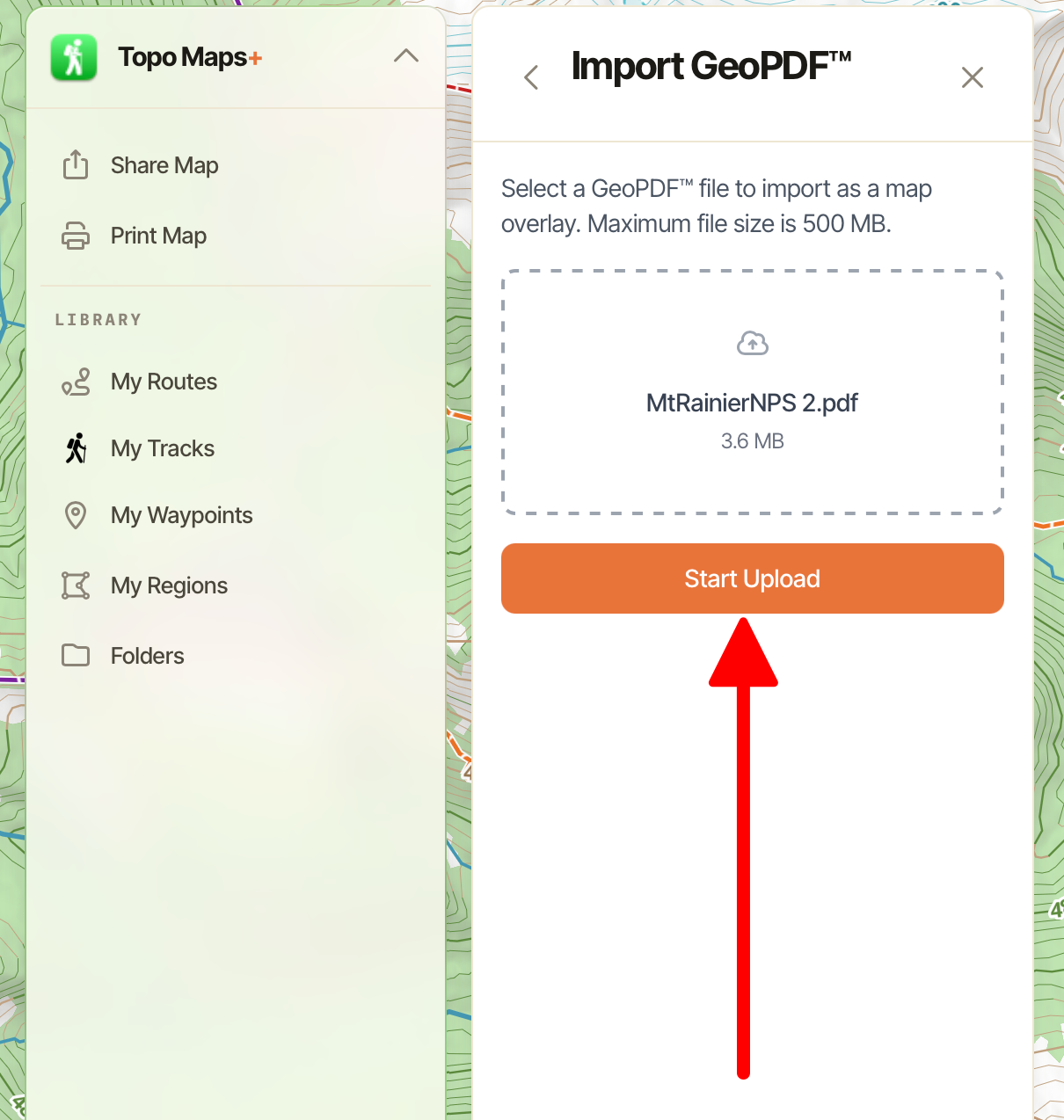
- Then tap Start Upload. Once it is uploaded you can tap Import.
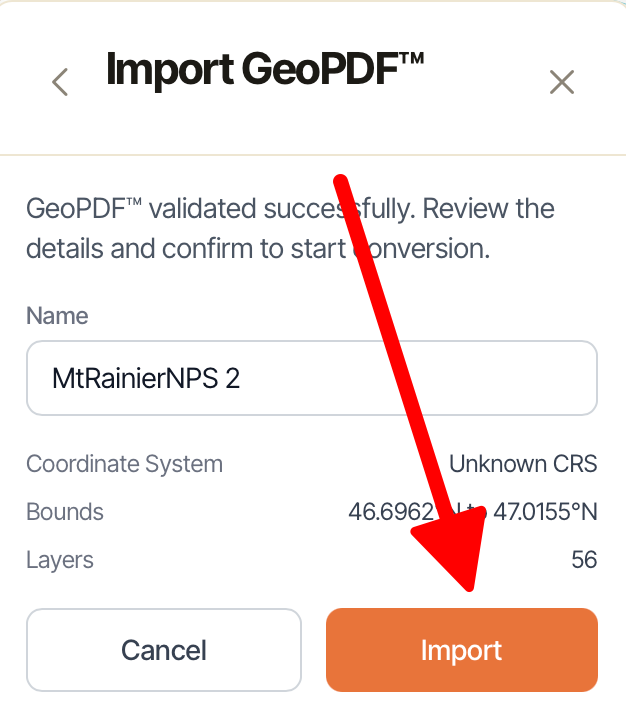
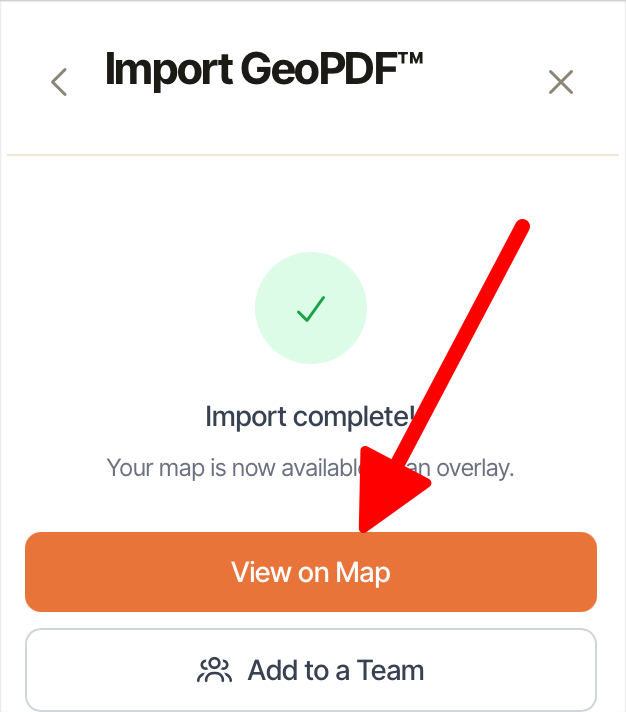
- Once successfully imported, you can edit it or adjust its settings in your overlay dashboard. To do this tap View On Map.
- Next tap on the Settings icon next to your imported map.
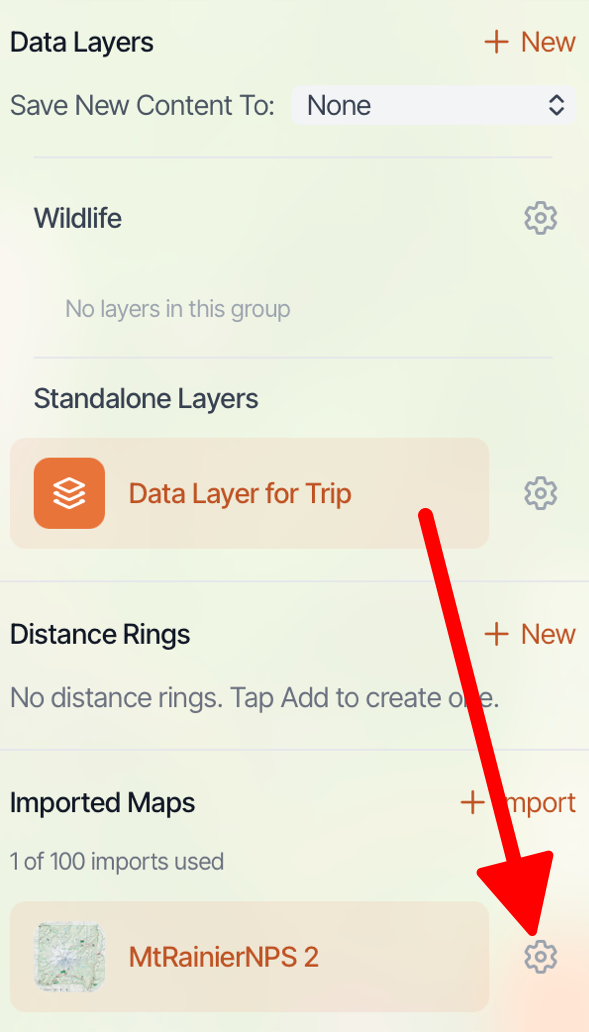
- From there you can edit your imported map.