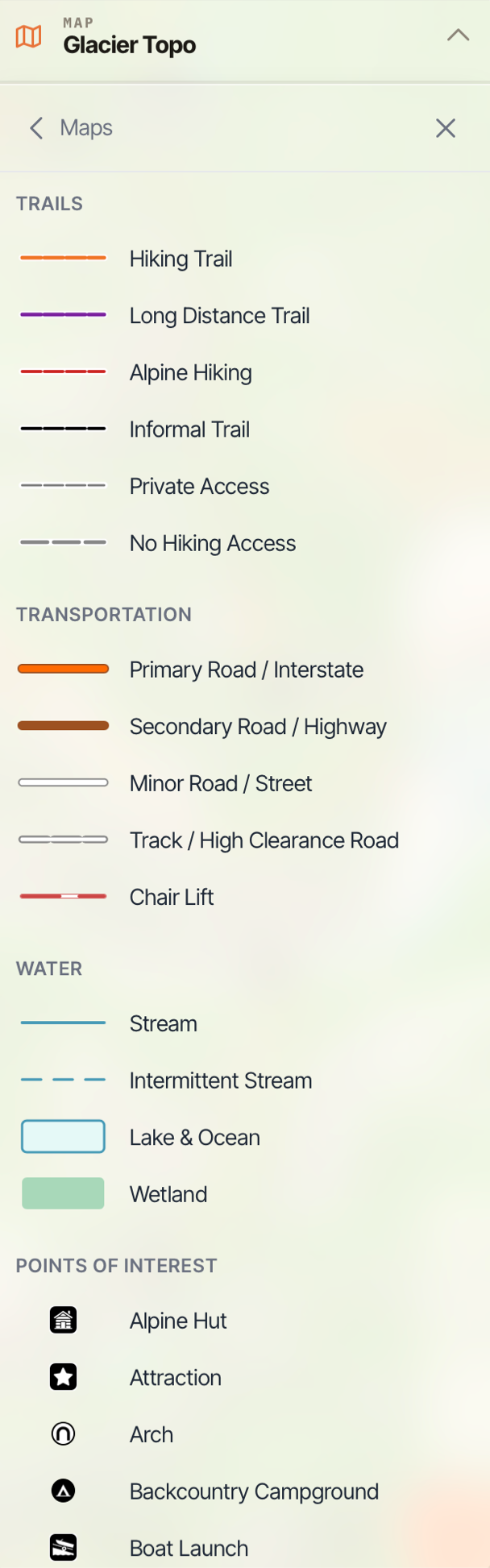
Map Legends on the Web App
NOTE: Map Legends only work the maps Glacier Topo and Glacier Hybrid.
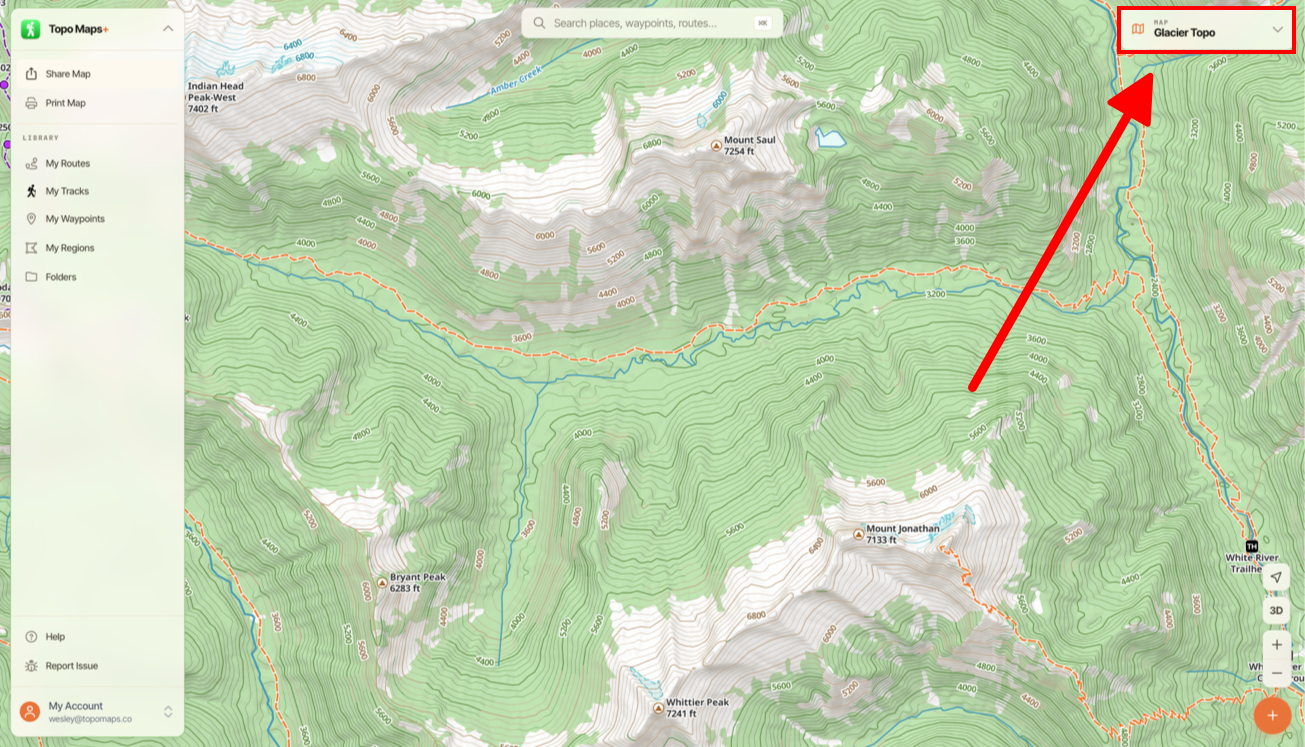
- Tap the Map Dashboard in the top right of the screen.
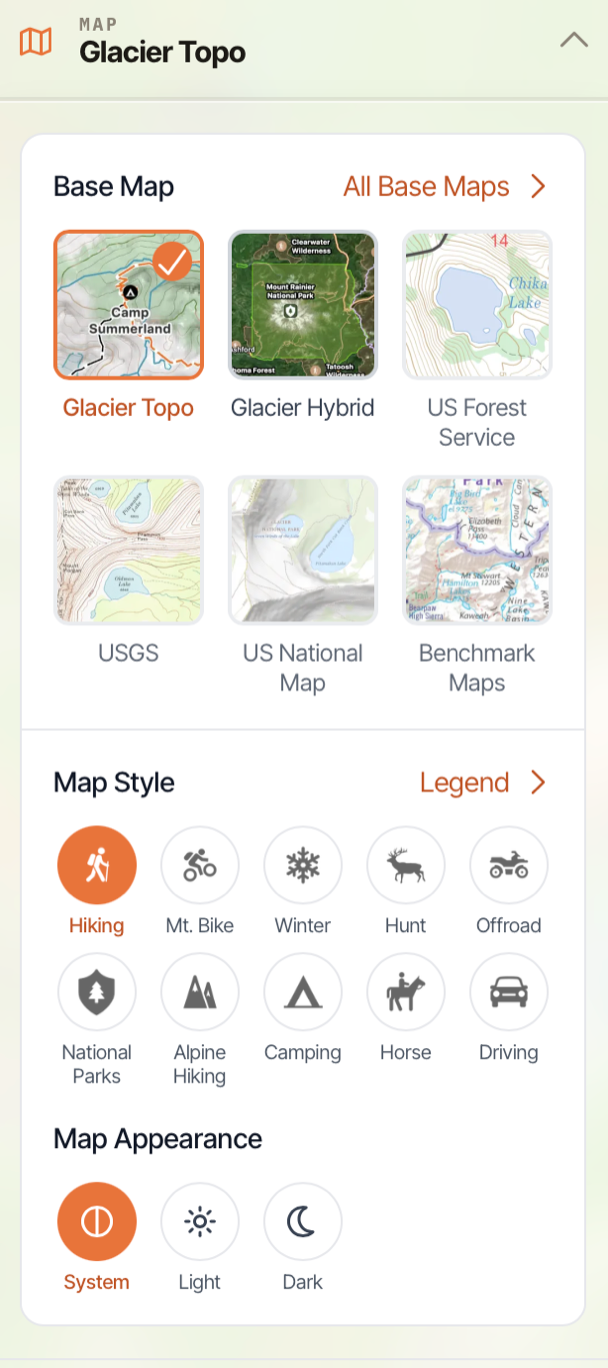
- Then tap Legend next to Map Style.
- This will pull up your Legend for the specific map you currently have displayed.