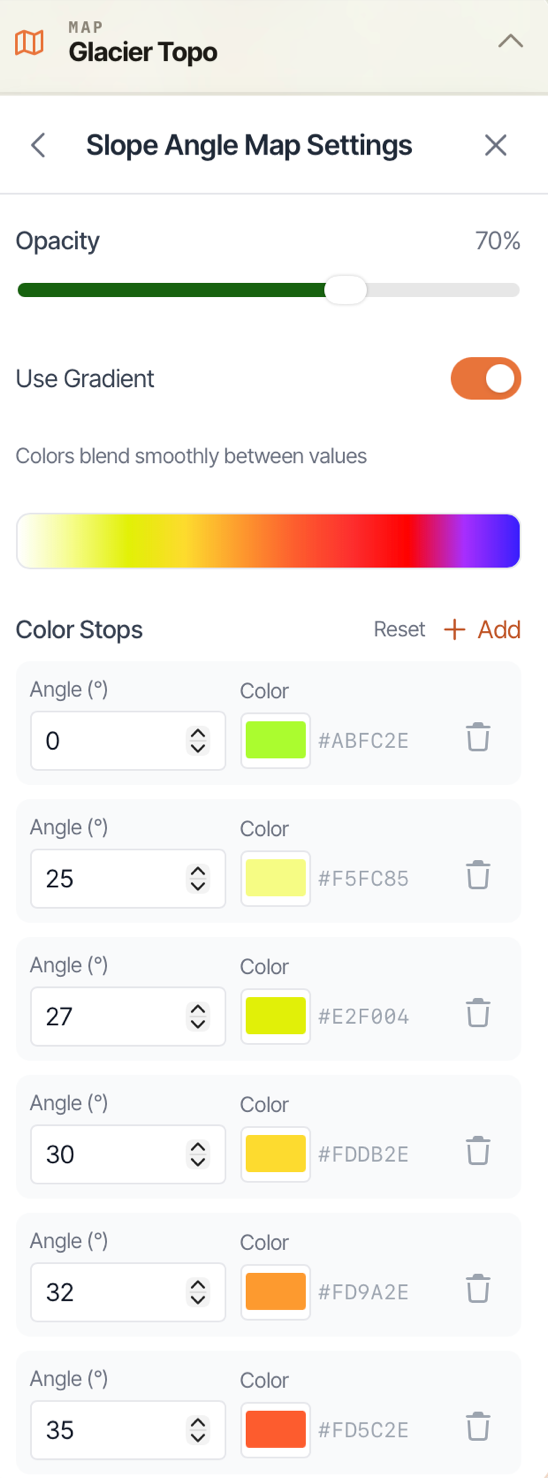
Slope Angle Map Overlay on the Web App
Slope Angle Map Overlay allows you to set the color of the map based on the angle of the slope. This can be helpful, for example, if you are in an area prone to avalanches. It’s an easy way to see what areas to avoid.
Or, maybe you like going off-trail for your backcountry adventures. Slope Angle Map Overlay can help you pick a smoother line of travel and steer clear of those incredibly steep hillside climbs.
How To Enable:
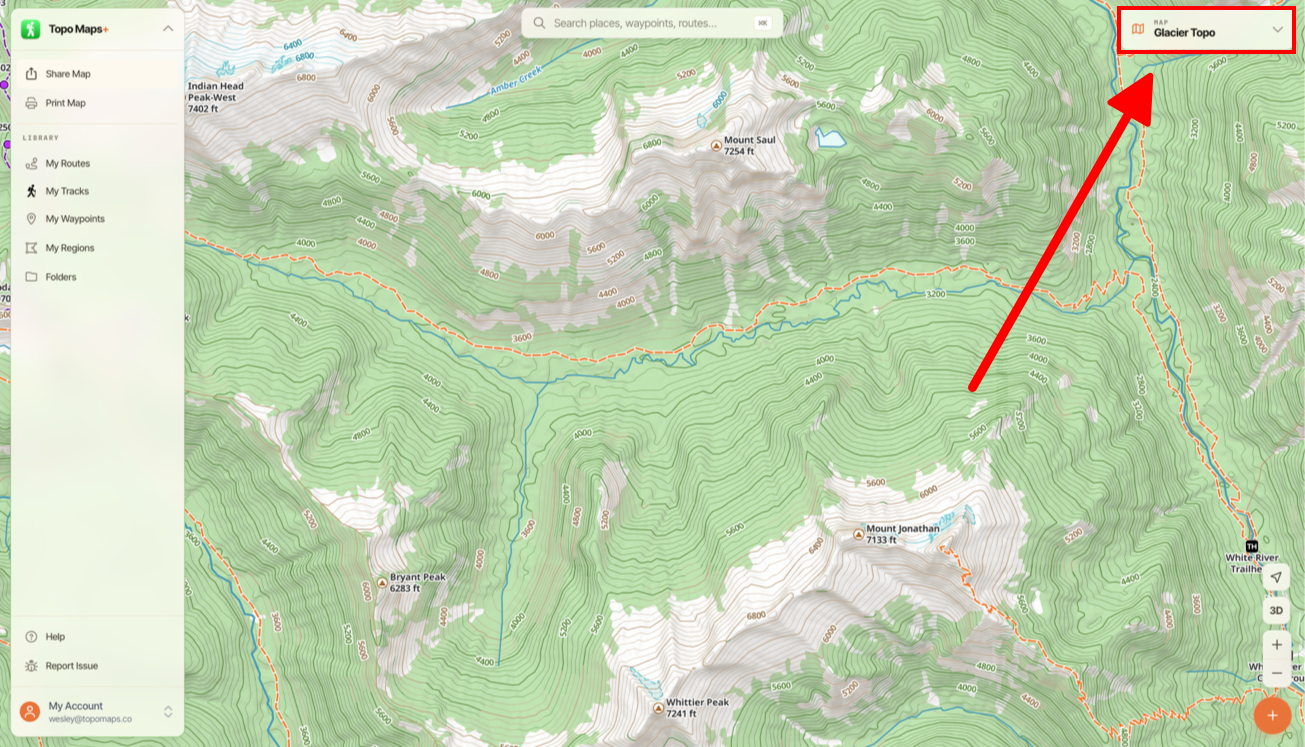
- Tap on the Map Dashboard in the top right corner of the screen.
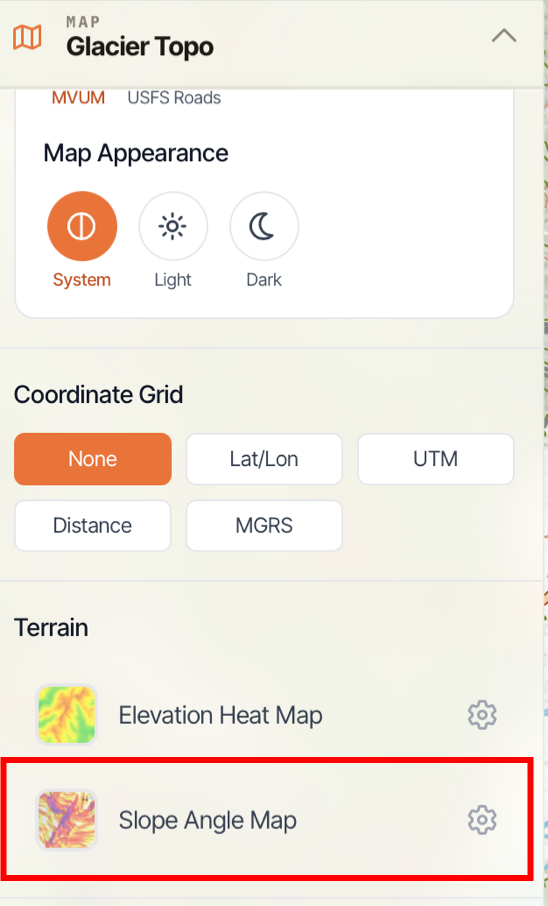
- Scroll down and toggle on Slope Angle under Terrain.
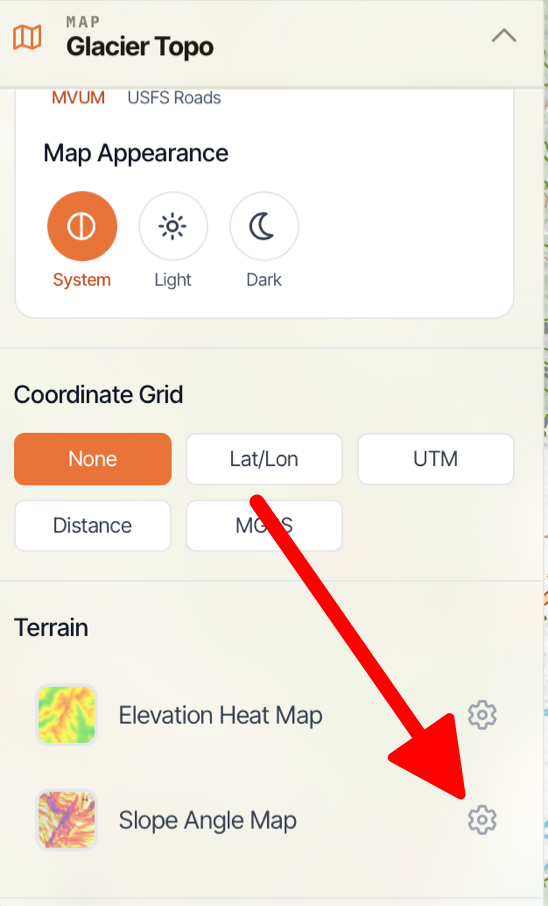
- If you want to customize the color scheme, then tap on the Settings icon next to Slope Angle Map Overlay.
- Here you can configure your colors.