Hybrid Maps
A Hybrid Map is a Satellite map with contour lines and outdoor mapping features added on top as an overlay. This can be helpful if you want the texture and colors of a satellite map, but also want precise trails and elevation features visible.
How to Set Up:
- Tap the folded map icon in the bottom right corner.

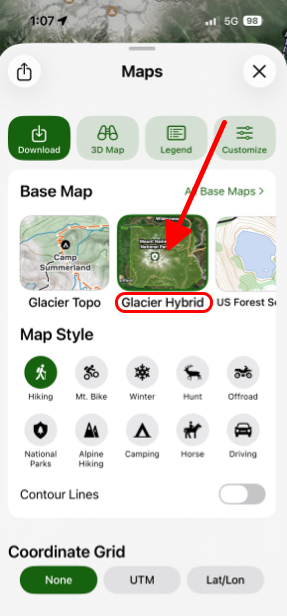
- Under Base Maps select Glacier Hybrid.
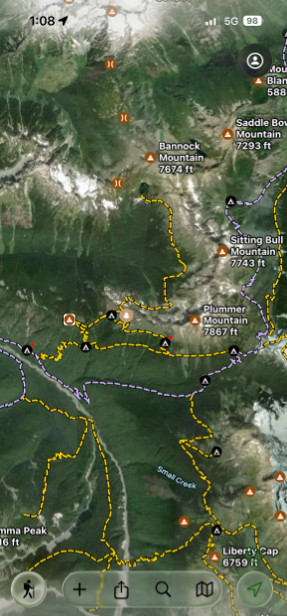
- As shown in the picture below, the Glacier Hybrid is a satellite map with roads and outdoor mapping features on it, making it easy to read.
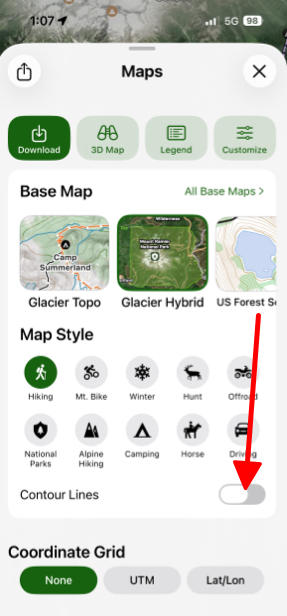
- If you want to enable contour lines then under Map Style toggle on Contour Lines. By default they are off.