MVUM & Road Overlays
MVUM (Motor Vehicle Use Map) and Road overlays are useful for navigating backroads. This is also what you use to Create A Driving Route for CarPlay.
Enabling Road Overlays:
- Tap the folded map icon in the bottom right corner.

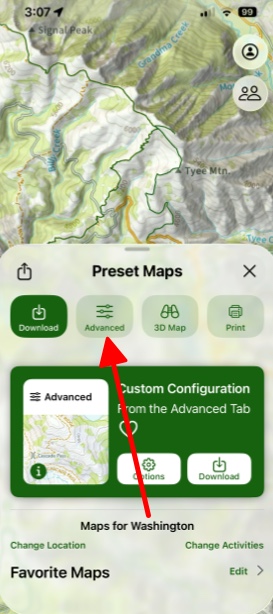
2. Select the Advanced menu.
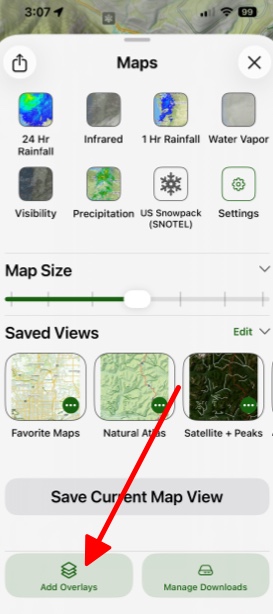
3. Scroll down to Add More Overlays, and tap.
4. Select MVUM & Road.
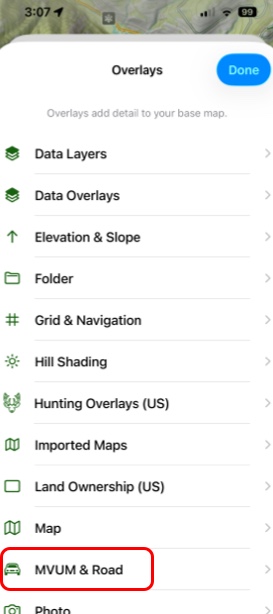
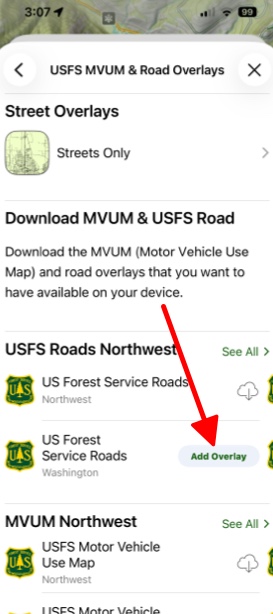
5. Select the overlay you want. For driving routes, you will need a US Forest Service road. USFS roads are the only ones that are “selectable” like trails.
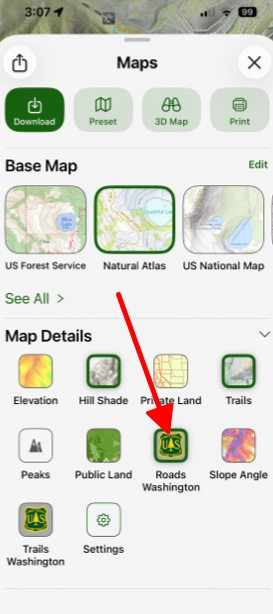
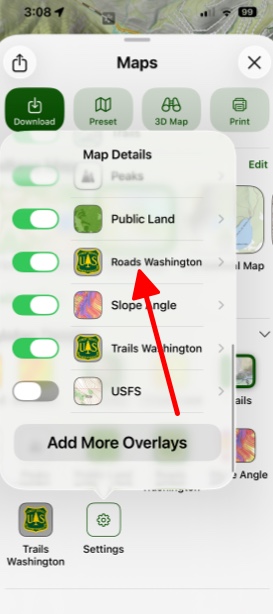
6. Once you have an MVUM overlay added to your dashboard, it will display under the section Map Details:
MVUM Settings:
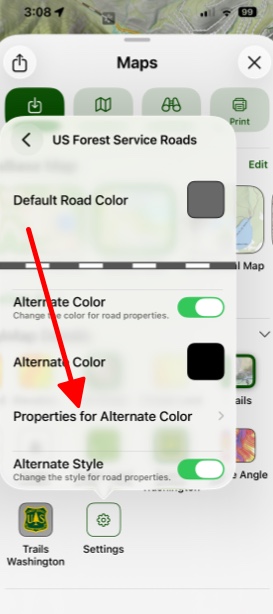
- Some roads have different properties, such as being a motorcycle-only road. You can customize the appearance of alternate road types by tapping on Settings and selecting the MVUM button.
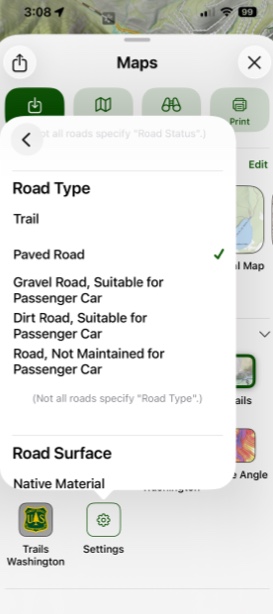
2. Tap on Properties for Alternate Color to select specific designations for that color: