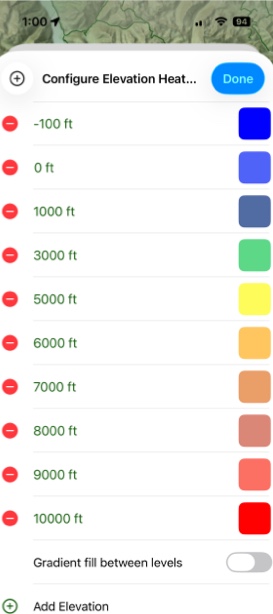
Elevation Heat Map Overlay
The Elevation Heat Map overlay allows you to visualize elevation ranges by color; easily capturing differences in elevation or highlighting the elevation ranges you are most interested in.
How To Enable:
- Tap on the folded map icon in the bottom right corner.

2. Under Terrain tap Elevation.
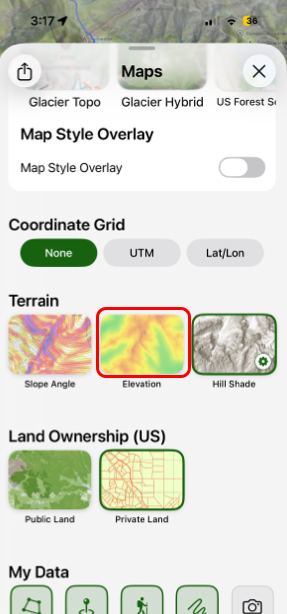
- If you want to configure your colors then simply tap and hold on Elevation.
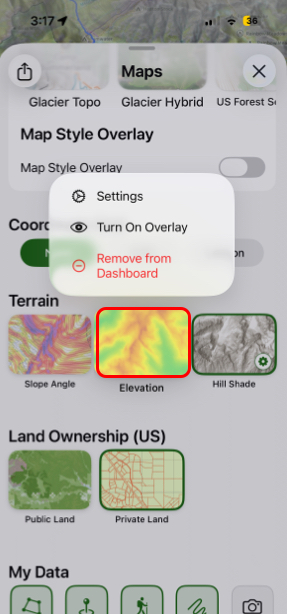
- Next, tap Settings.
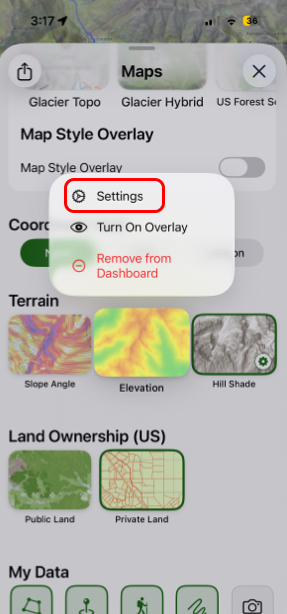
- Then tap Configure Colors.
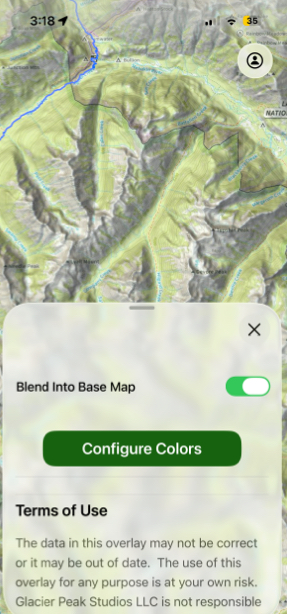
- Here you can choose specific colors for certain elevations.