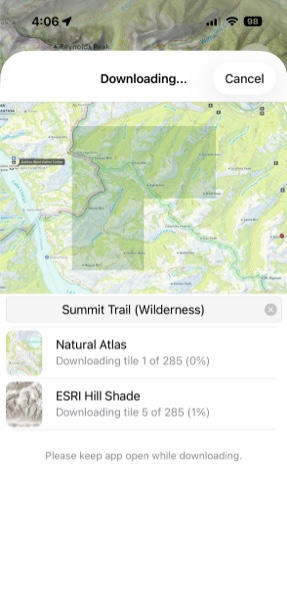
Downloading Maps
-
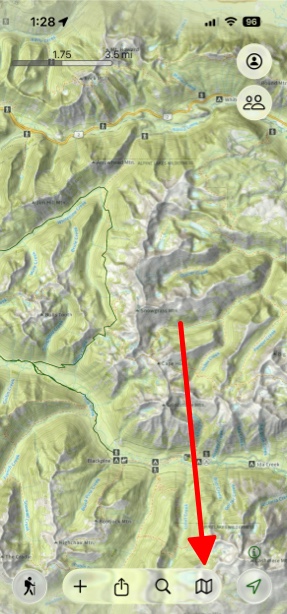
Tap the map icon in the bottom right corner.
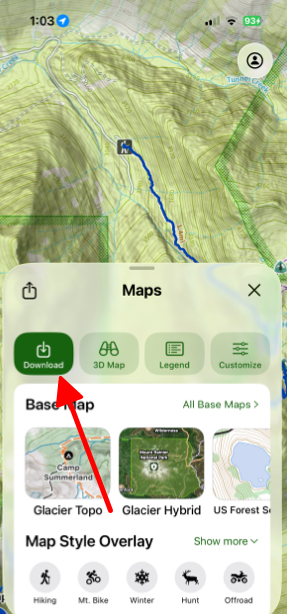
- Next, tap Download in the top left corner of the tab.
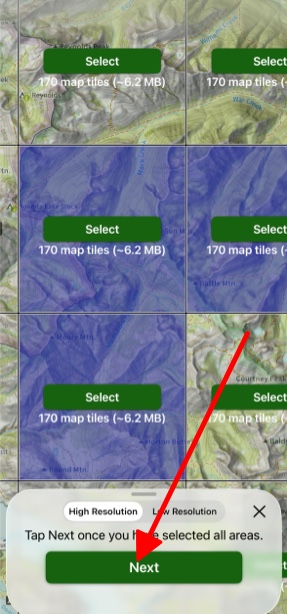
- Then, select the tiles for the areas you want to download and tap Next.
- Next, you can see which layers have been selected for the map you want to download, and you can choose to select other layers for your map if you want.
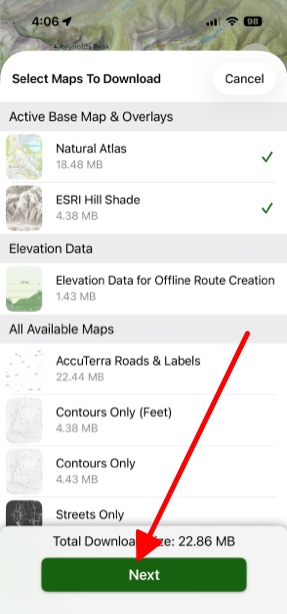
- After selecting your chosen layers and tapping next, your map will download and you can view it on the map.