Creating Waypoints
There are several different ways to add a waypoint on the map:
1. Manually Add a Waypoint
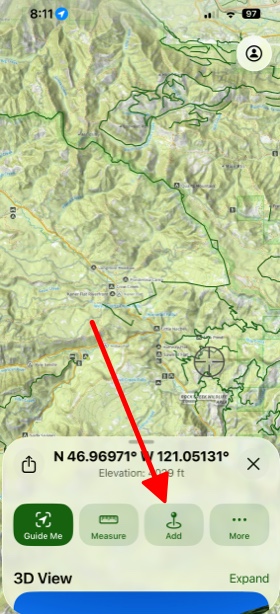
To do this, simply tap and hold the map on the spot where you want to create a waypoint. After that tap Add.
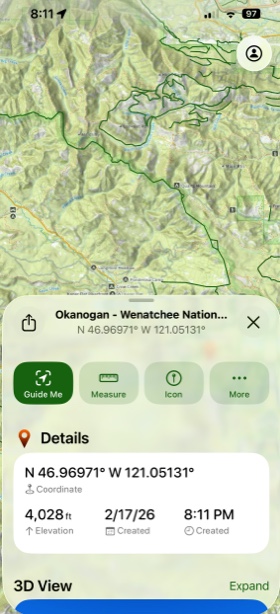
From there you can view the details of your waypoint, add a photo, note, icon or view it in 3D.
2. Add Waypoint By Tapping Add
Simply tap Add in the bottom left corner of the screen.

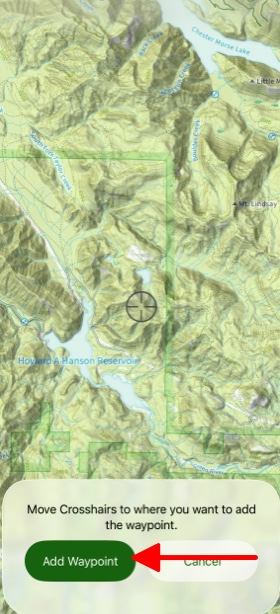
Then tap Add Waypoint.
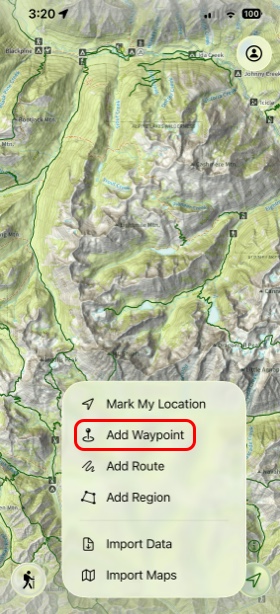
Here you can easily move the crosshairs across the screen to where you want to create your waypoint.
3. Add a Waypoint at Your Location
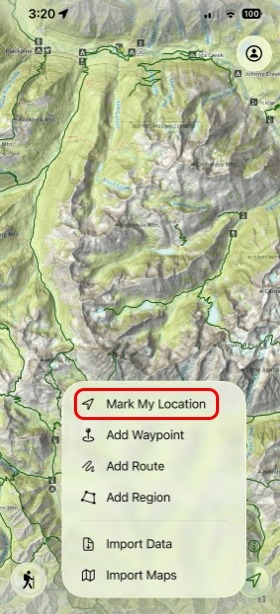
Tap Add in the bottom left corner of the screen and then tap Mark My Location.
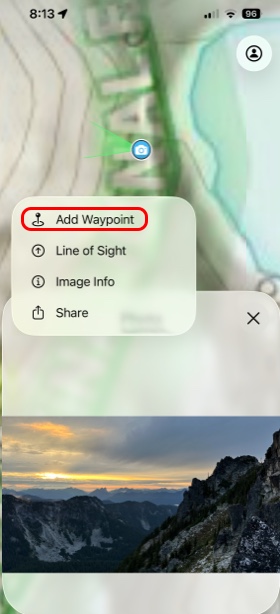
4. Add a Waypoint at an Existing Photo
Tap a picture you’ve taken that is displayed over the map and tap on the 3 dots.
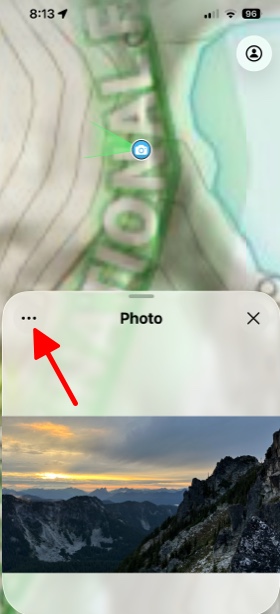
Then simply tap Add Waypoint.