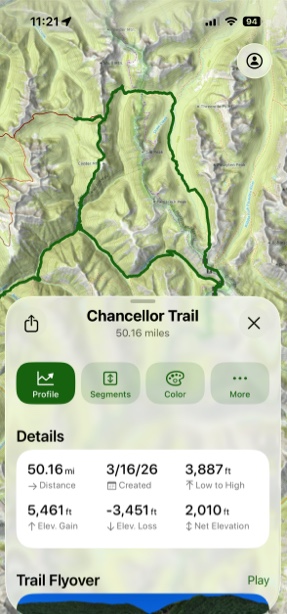
Updated Snap to Trail
With the Tap with Snap to Trail feature, you can create routes with just a few taps on the screen, making your trip planning faster and easier than ever.
How to Set Up:
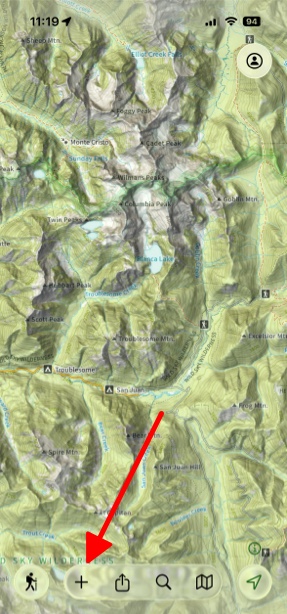
- Go to the map area where you are planning your route and then tap Add in the bottom left corner of the screen.
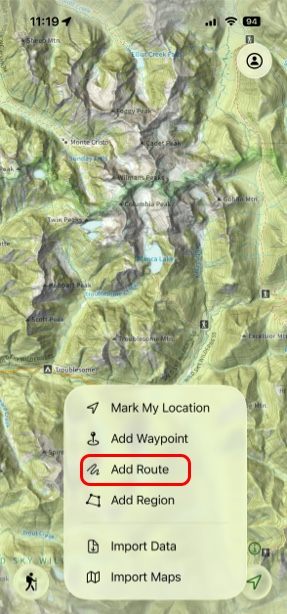
- Tap Add Route.
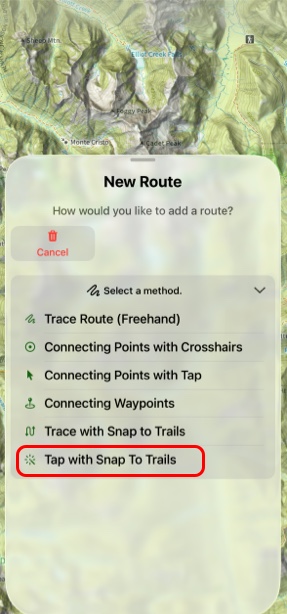
- On the New Route menu select Tap With Snap To Trails.
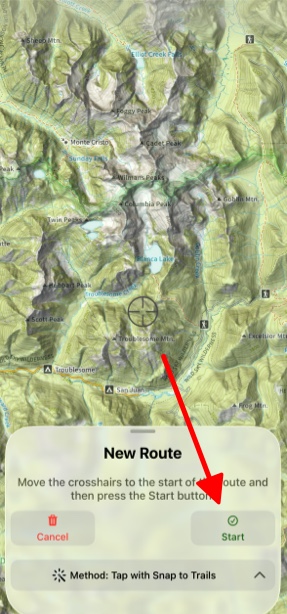
- Next move the crosshairs to where you want to begin and tap Start.
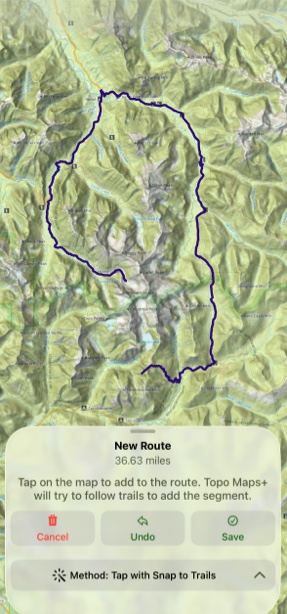
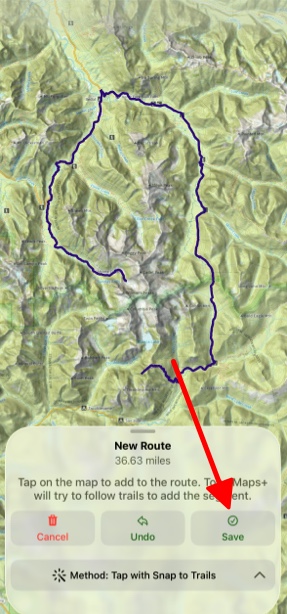
- Tap as many locations as you want along your route and when your finished tap Save.
- After saving your route the information menu for that route will be displayed in its info tab.