Measuring Distances
Topo Maps+ can give you all sorts of distance metrics:
- Map Scale
- Distance between you and a waypoint
- Distance between waypoints
- Distance between points
- How long a trail is
- Elevation gain or loss along a route/between points
- Trail segments
- Progress on Trail
Keep in mind, these distances are as the crow flies, so they won’t account for vertical distance.
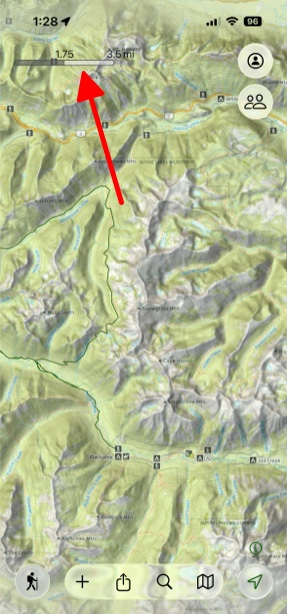
1st Way – Map Scale:
- When zooming in and out on the map, the map scale will be displayed so you can easily see the distance on the map. (If it’s not showing, then simply go to Advanced Maps and scroll down to Grid and Navigation. There you can push on Scale, and the map scale will show.
2nd Way – Distance Between Points:
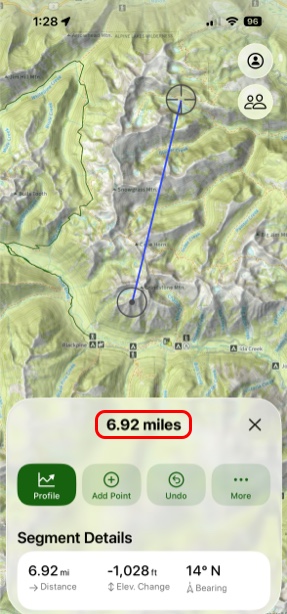
There are 2 ways to do this.
- You can do a two finger tap and hold anywhere on the map to pull up two waypoints with the distance between them displayed on the information card for it.
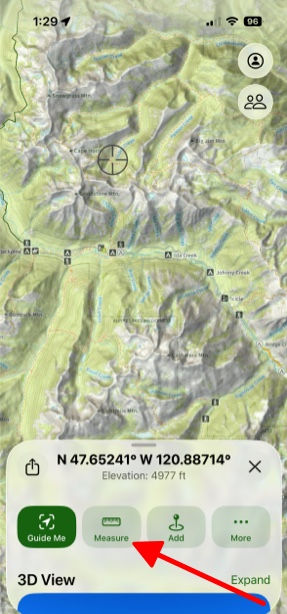
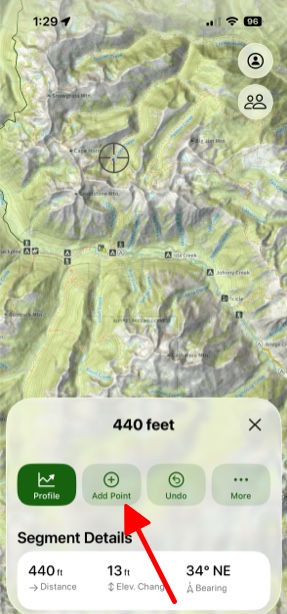
2. You can tap and hold on a single spot on the map and then tap Measure. From there tap Add Point and you can easily measure the distance between two or more waypoints.
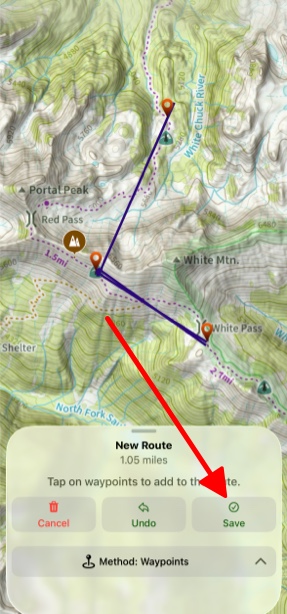
3rd Way – Between Two Waypoints:
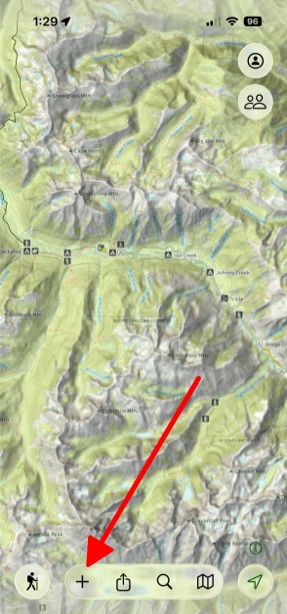
- First tap the Add button on the bottom of the screen.
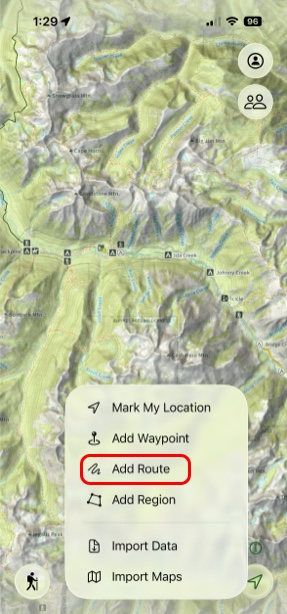
- Next tap Add Route.
- Then tap the Connecting Waypoints method for tracing your route.
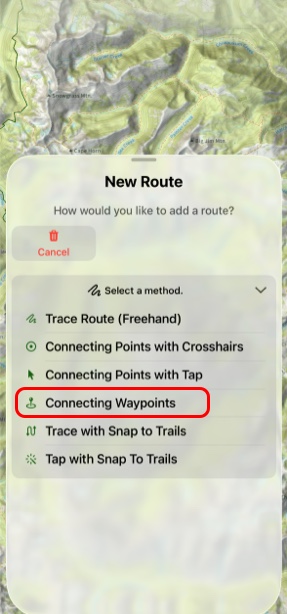
- Finally tap on the waypoints that you want to add, and tap Save.