
FOCUS Mode
Focus Mode gives you a clean, distraction-free view of your most important stats while recording tracks. Here’s how to enable and customize it.
Enabling Focus Mode
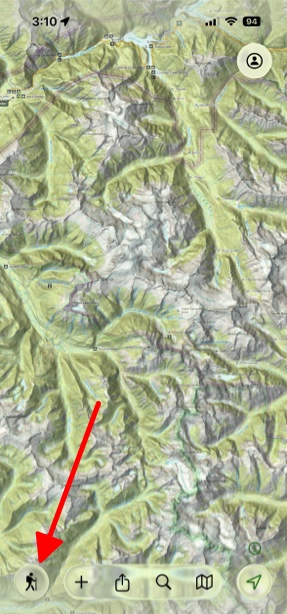
- Tap the Hike button in the bottom left corner of the screen and start a hike.
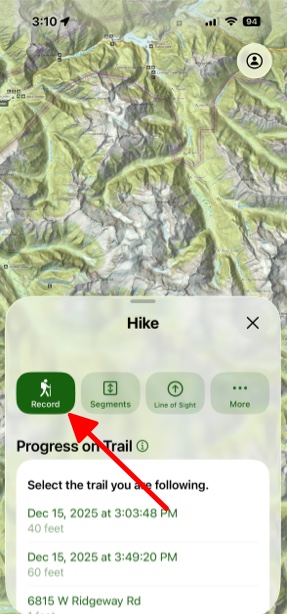
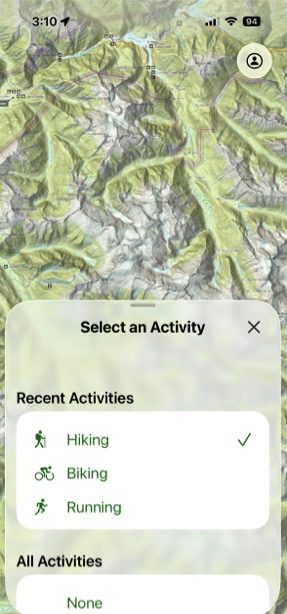
- Next select the activity that you want to do.
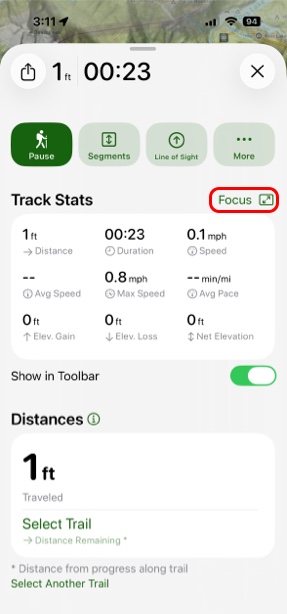
- Tap Focus. Now important and simplified data is largely displayed, making it easy to read.
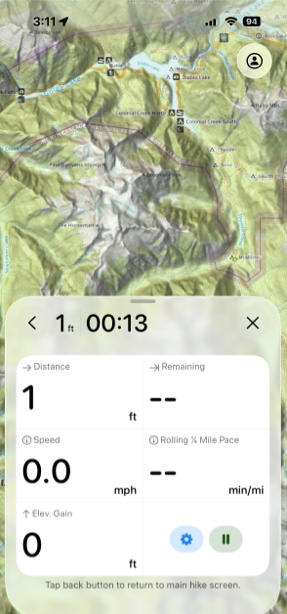
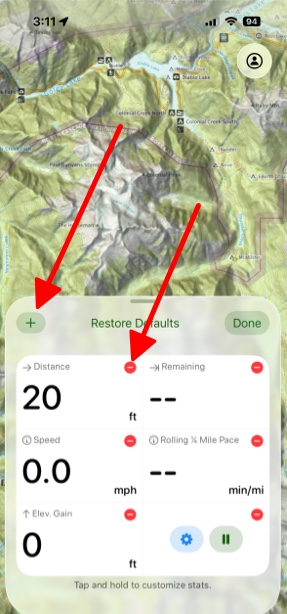
- Next if you hold and tap on the screen, you will be able to add or take away widgets. Tapping the red button will take away that widget from that screen. Tapping the Plus button in the top right corner will let you add widgets to your Track Stats. To rearrange widgets, simply tap and hold on them and drag them to your new desired position.
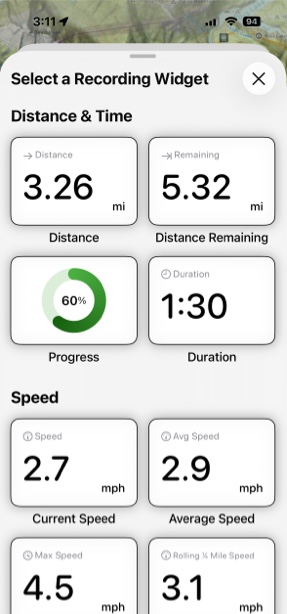
- The stats that you can choose from include:
- Distance
- Duration
- Current Speed
- Average Speed
- Elevation Gain
- Current Elevation
- Current Elevation
- Coordinates
Tips for Best Results
For Mountain Hiking: Focus on elevation gain, current elevation, and distance remaining
For Trail Running: Prioritize current pace, average pace, and duration
For Navigation: Include coordinates and current elevation alongside distance
For Casual Walks: Keep it simple with just distance and duration