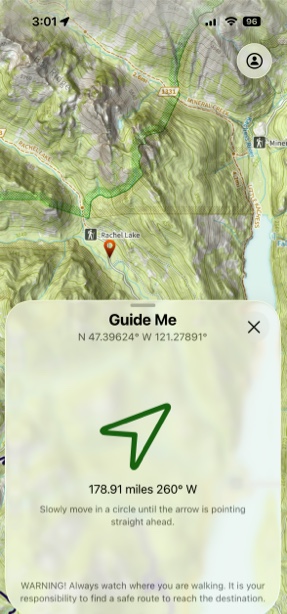
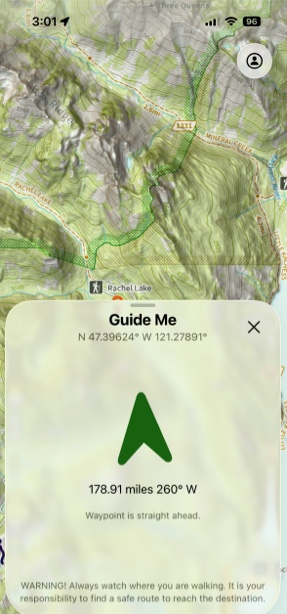
Guide Me
Topo Maps+ can guide you to a waypoint by giving you the distance and heading to that waypoint from your current location.
Note: The bearing shown on Guide Me will always be based off True North. Switching to Magnetic North in settings won’t change this.
How to Use:
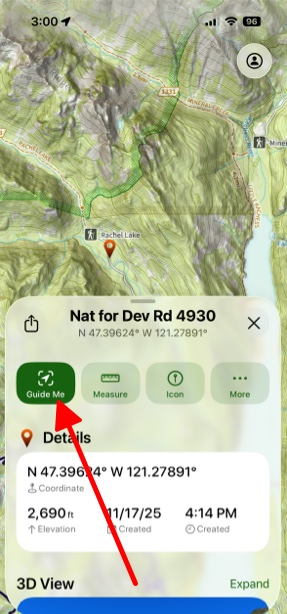
- First select a waypoint and open up its info tab and then tap the Guide Me button.
2. Hold your phone flat and do a 360. When you're pointing at the waypoint the arrow will turn green.