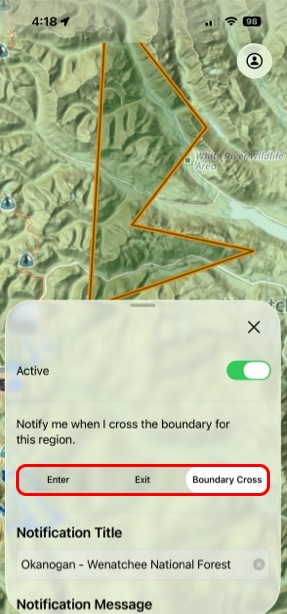
Proximity Alerts
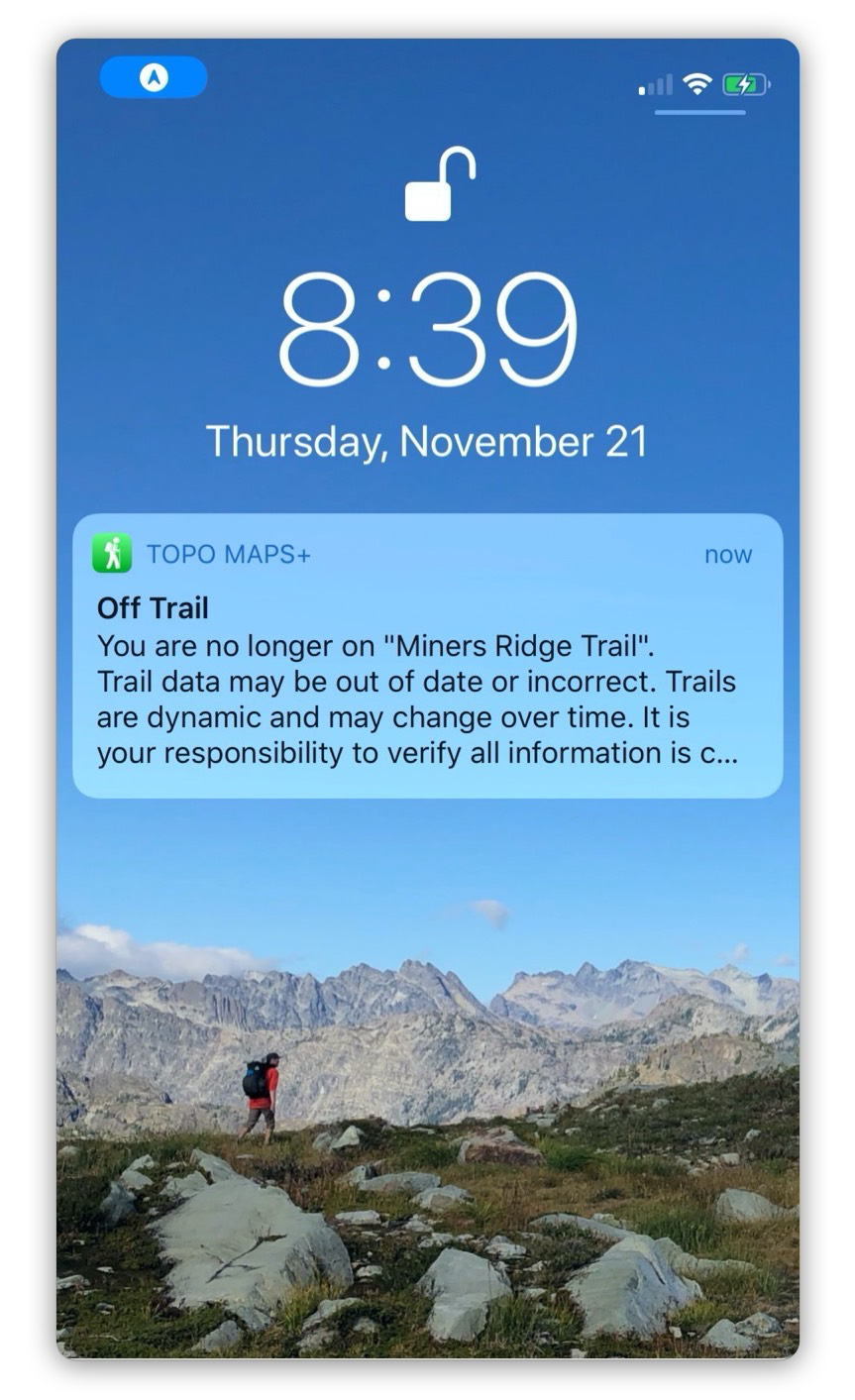
Proximity Alerts in Topo Maps+ let you set up a notification to go off when you are a certain distance away from a route, region, or waypoint.
You can set one up from the hike menu, or by tapping on a route, region or waypoint.
How to Set Up:
For Trails:
- Pull up the info tab for your route.
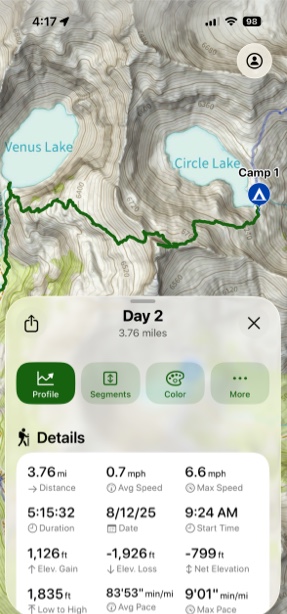
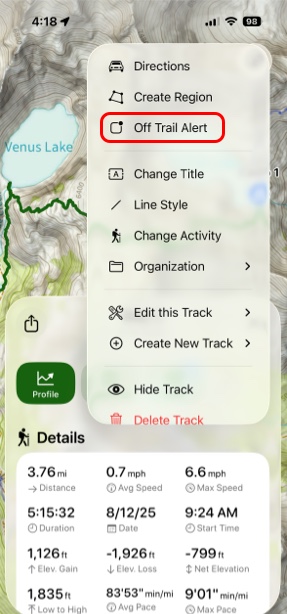
- Next tap More.
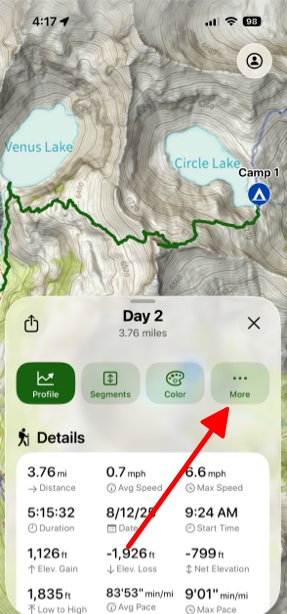
- Then tap Off Trail Alert.
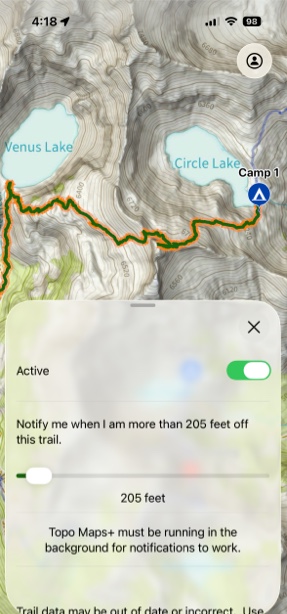
- You can choose how far off the trail you need to be before it alerts you.
For Waypoints:
- Pull up the info tab for your waypoint.
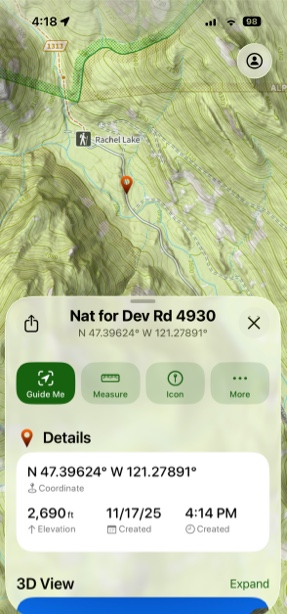
- Next tap More.
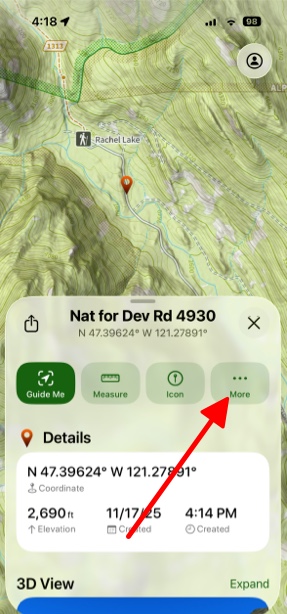
- Then tap Alert.
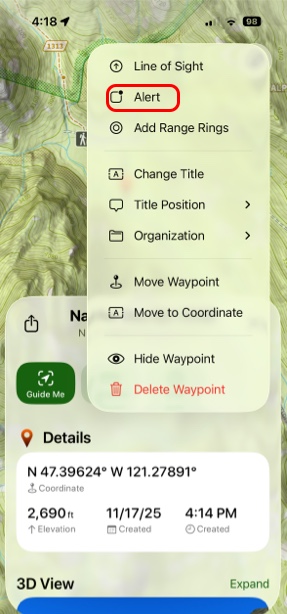
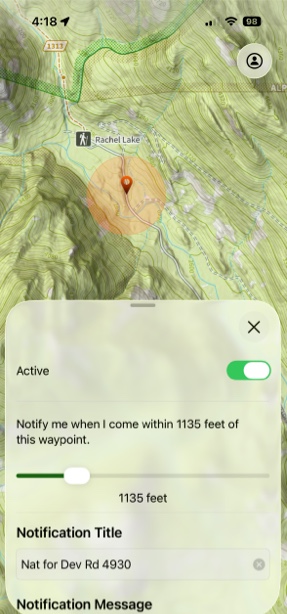
- You can choose within how many feet away you need to be for it to notify you.
For Regions:
- Pull up the info tab for your region.
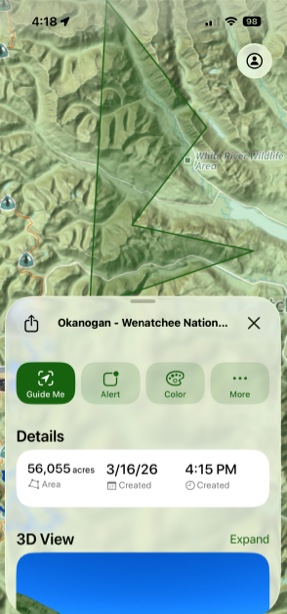
- Then tap Alert.
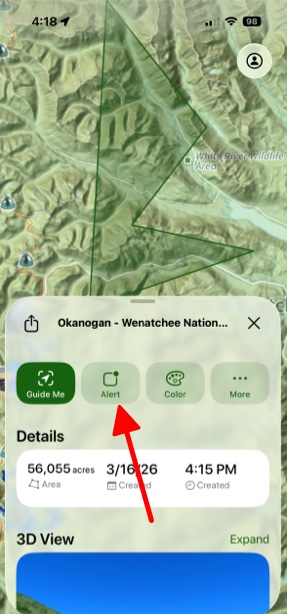
- You can choose whether you want to be notified when you exit, enter, or cross the region's boundary.