Live Location Sharing
To use Live Location Sharing, you’ll need to make sure you have a team set up first.
Note: you must have a cellular connection to initiate this feature.
How to Use:
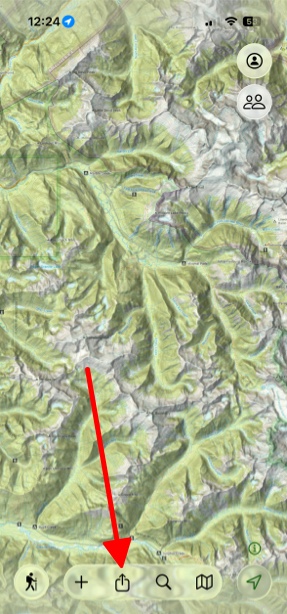
- Once you have a team tap Share at the bottom of the screen.
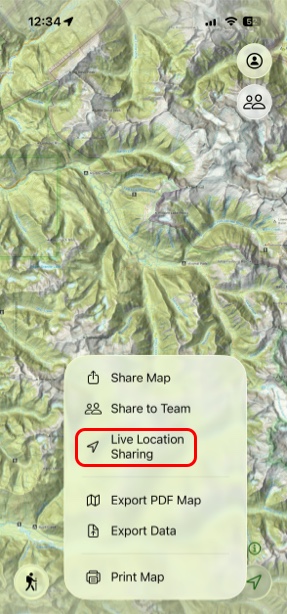
- Then tap Live Location Sharing.
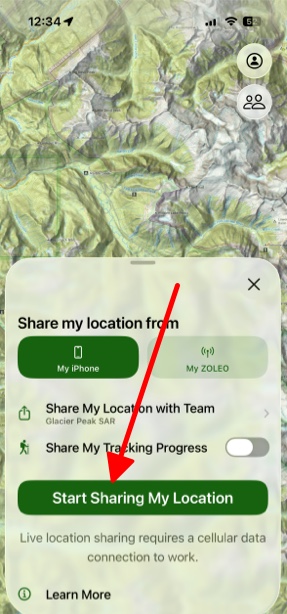
- Tap Start Sharing My Location. You can then start sharing your location with your team members and even have your track recorded for the team to see where you have been.
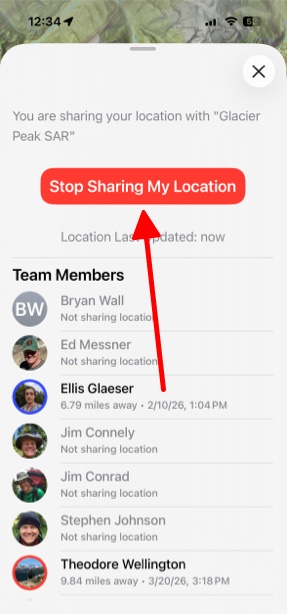
- Then to turn off simply tap Stop Sharing My Location.