
Registering a ZOLEO Device
If you have a ZOLEO device, you can connect it to your Topo Maps+ account to share your location directly within the app. Even without a data connection, the ZOLEO device sends your location to Topo Maps+ servers via satellite, keeping your location updated. Anyone viewing your location will still need an internet connection.
How to Register:
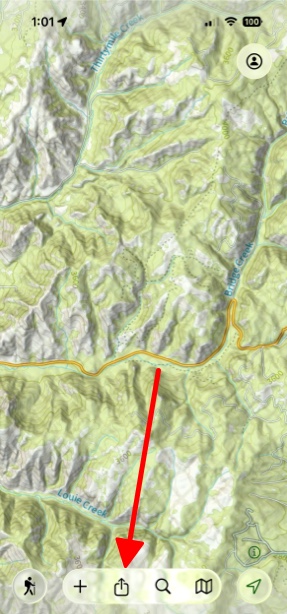
- Tap on the Share button at the bottom of the screen.
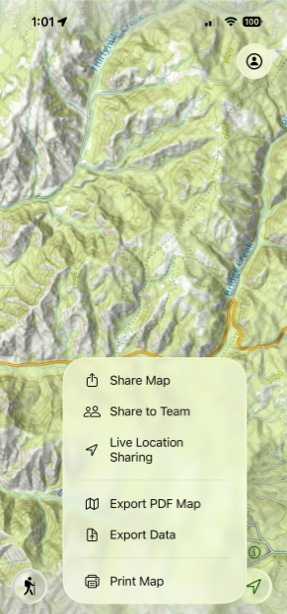
- Then tap Live Location Sharing.
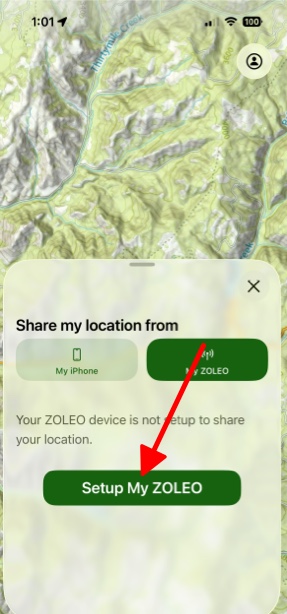
- Next tap My ZOLEO and then Setup My ZOLEO.
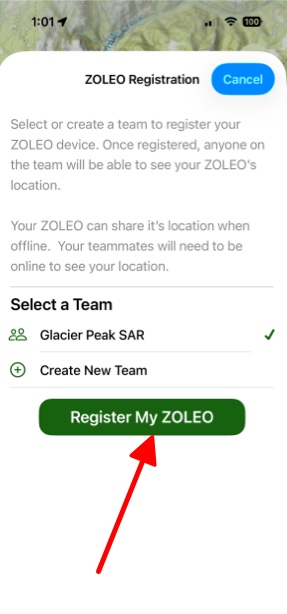
- Then pick the team you want to register the device with and tap Register My ZOLEO.
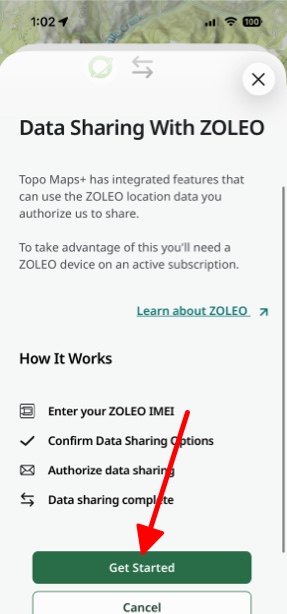
- You will be taken to ZOLEO's website. Next tap Get Started.
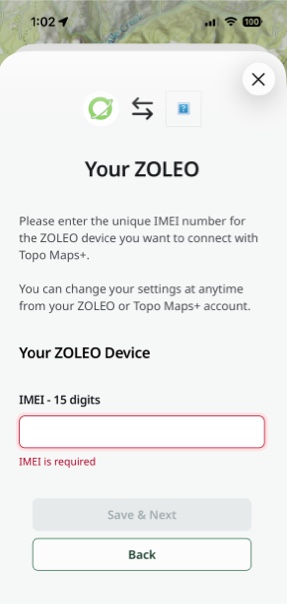
- Then enter the IMEI number (15 digits) which is found on the back of your ZOLEO.
At the end, tap Confirm & Send Email, then check your inbox for ZOLEO’s confirmation email. Topo Maps+ will show a spinner while you complete the registration from the email. After you finish, it may take a moment for the app to update—once it does, the spinner will stop and you’ll see a success message.
Once your ZOLEO is linked, your teammates (with an internet connection) can see your location whenever you send a Check-In or start a Location Session.