Map Dashboard on Android
- Select the Maps icon on the bottom of your screen.

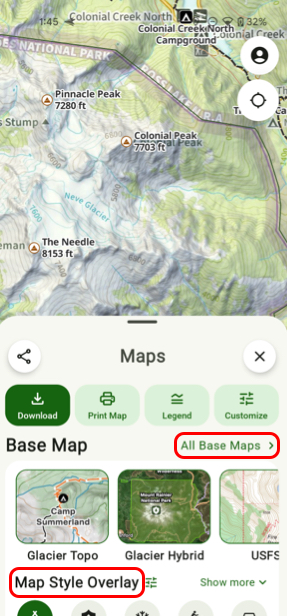
- First you will have to select a base map.
You can customize what maps show up here by tapping All Base Maps which will bring you to the full list of maps to choose from.
Beneath the base maps is the Map Style Overlay section which lets you toggle on certain activities which will put overlays onto your map such as trails, names of peaks, etc. depending on what activity you toggle on.
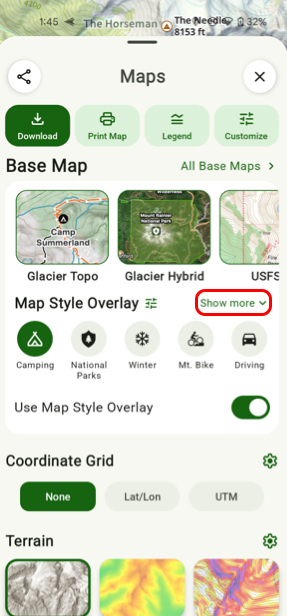
3. To see all Map Style Overlays tap Show More.
- Scroll down and you will see a section called Terrain.
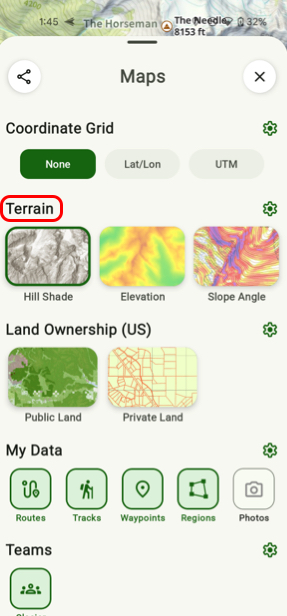
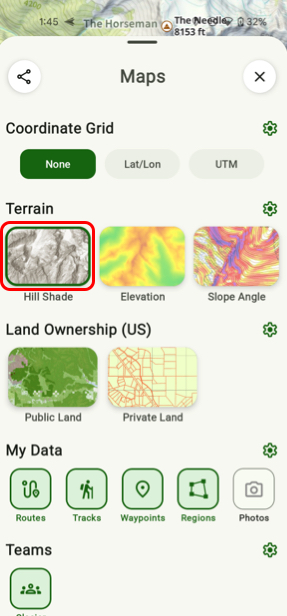
- Here you can toggle on Slope Angle, Elevation, and/or Hill Shade. They are active when they have a green box around them.