Grid Overlays on Android
There are 2 types of Grid overlays in Topo Maps+:
- Latitude/Longitude
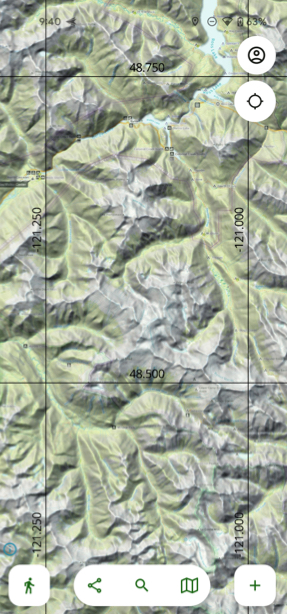
- UTM (Universal Transverse Mercator)
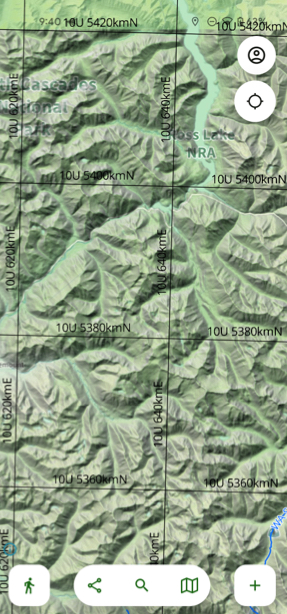
Enabling a Grid Overlay:
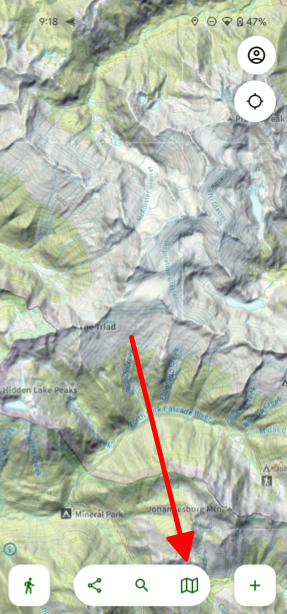
- Tap on the folded map icon in the bottom right corner of your screen.
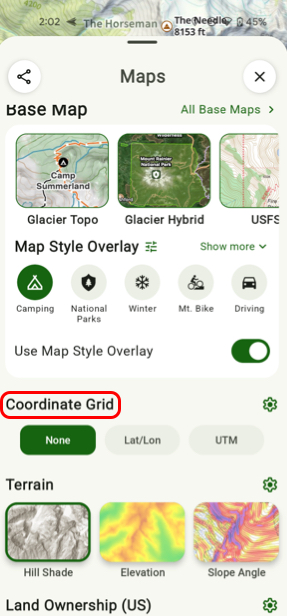
- Scroll down to the Coordinate Grid section and toggle on a grid.
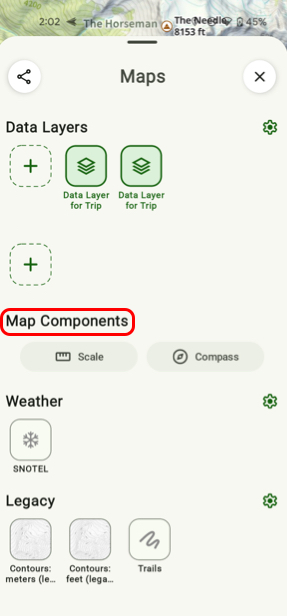
- If you want to toggle on the Scale or Compass then scroll down to the section titled Map Components and toggle either one on.
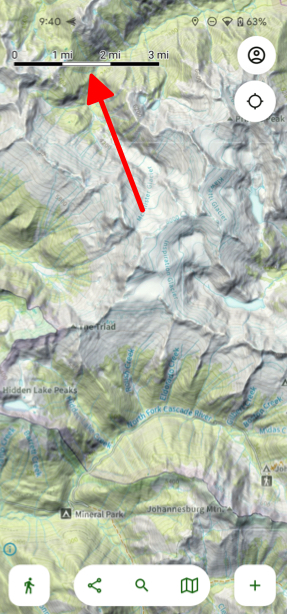
- The Scale will display over your map view and provide distance information.
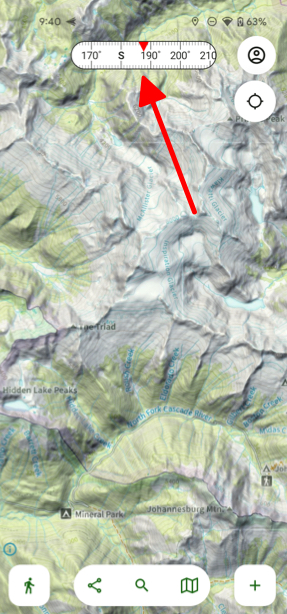
- The Compass will also display over your map view and provides a reliable compass that is easy to look at while you're outdoors.
Did this answer your question?
Thanks for the feedback
There was a problem submitting your feedback. Please try again later.

