
Hill Shading on Android
Hill shading not only enhances the visual appeal of a map but also makes the hills stand out, providing a helpful visual guide.
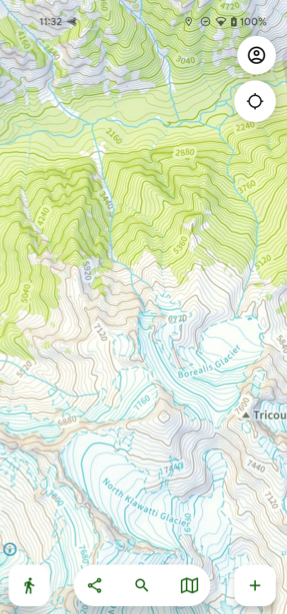
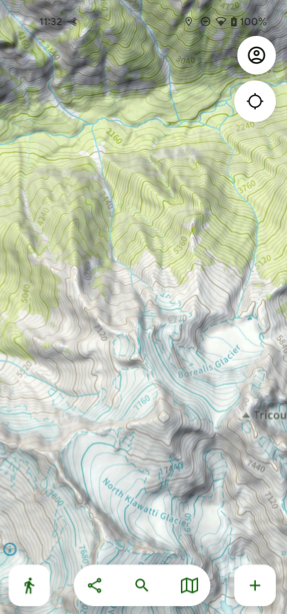
Activating Hill Shading:
- Tap the folded map icon in the bottom right corner of the screen.
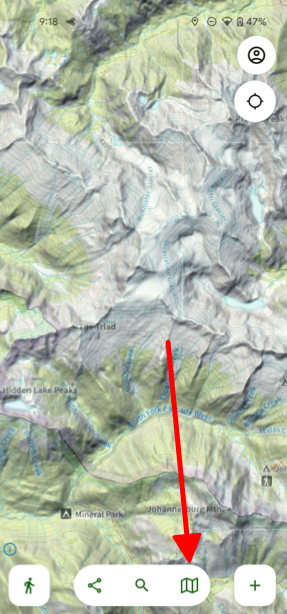
- Scroll down to the section called Terrain and toggle on Hill Shade.
