Hybrid Maps
A Hybrid Map is a Satellite map with contour lines added on top as an overlay. This can be helpful if you want the texture and colors of a satellite map, but also want precise elevations and slope outline visible. Here's how to set it up:
Select a Satellite Map:
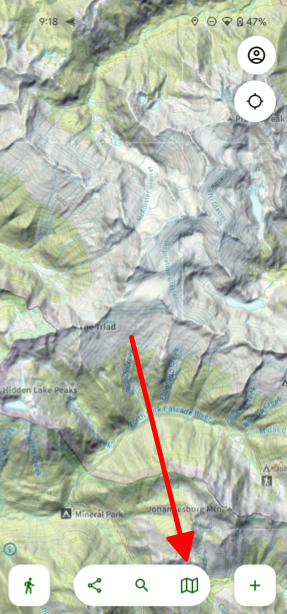
- Tap the folded map icon in the bottom right corner of your screen.
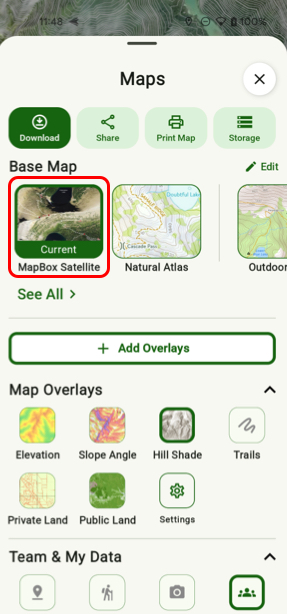
- Select the satellite map you want to use (ESRI Satellite Map, or MapBox Satellite) under Base Map.
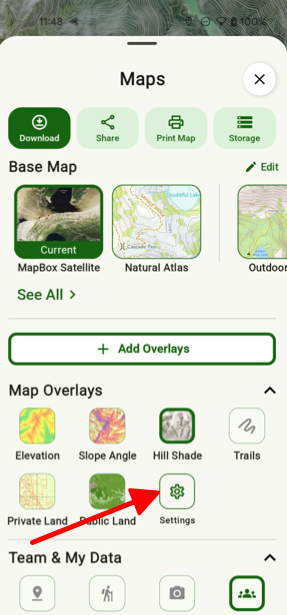
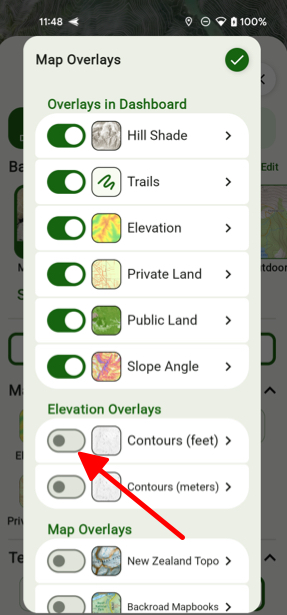
- Then tap on Settings under Map Overlays and toggle on Contours (feet).
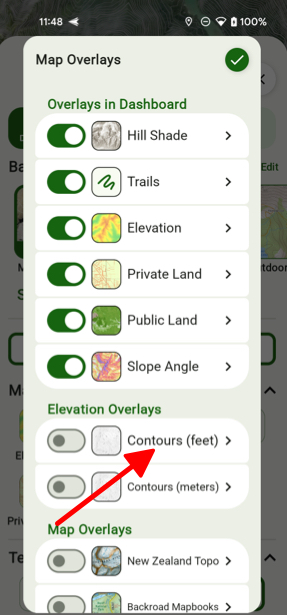
- From there if you tap on Contours you can then select Color.
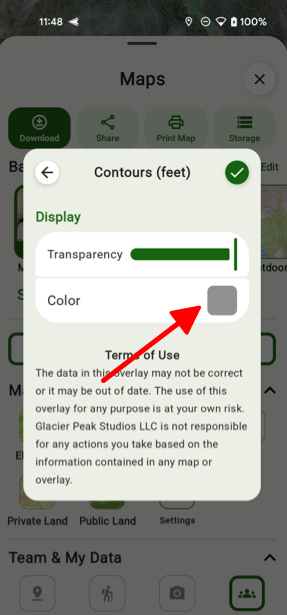
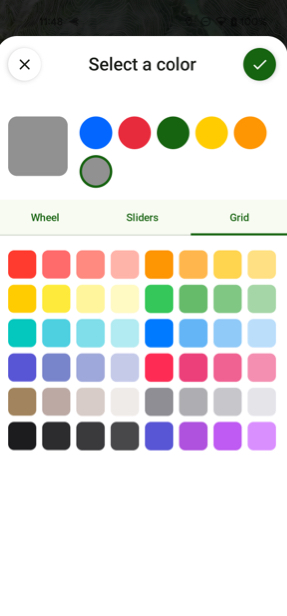
- Then you can simply choose a color for your contour lines.