Creating Waypoints on Android
There are two ways to add waypoints to your map.
First Way:
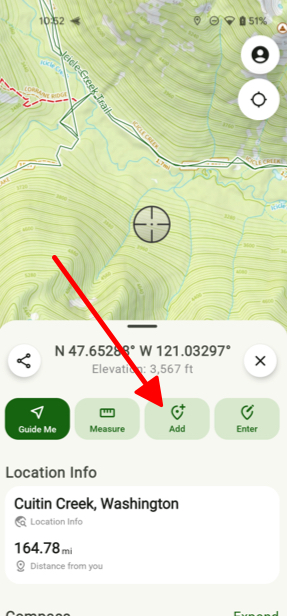
- Tap and hold the map on the spot where you want to create a waypoint. After that tap Add.
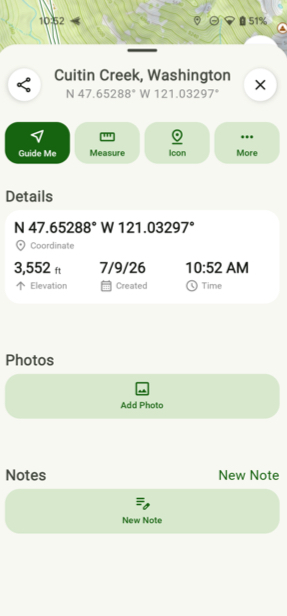
- From there you can view the details of your waypoint, add a photo, note, or icon.
Second Way:
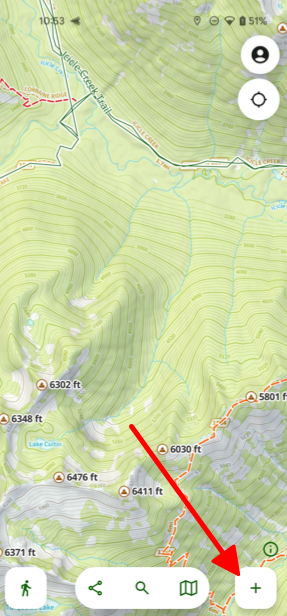
- Tap the Add button at the bottom right of the screen.
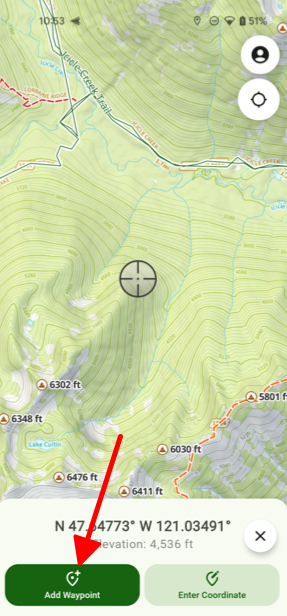
- Then tap Add Waypoint.
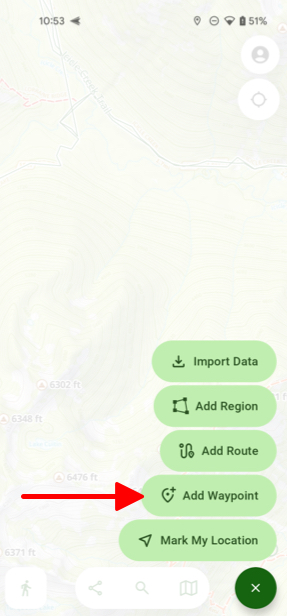
- Here you can easily move the crosshairs across the screen to where you want to create your waypoint and then tap Add Waypoint.
Did this answer your question?
Thanks for the feedback
There was a problem submitting your feedback. Please try again later.

