Exporting GeoPDFs on Android
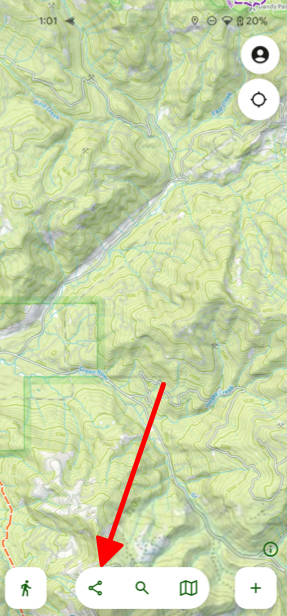
- Tap Share in the toolbar at the bottom of the screen.
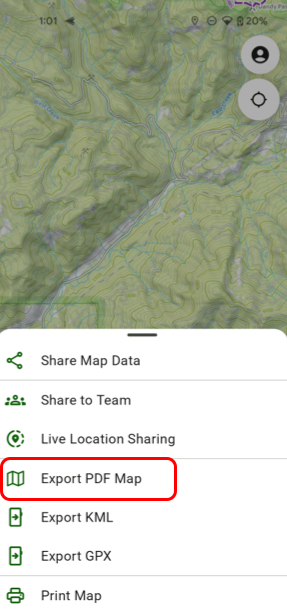
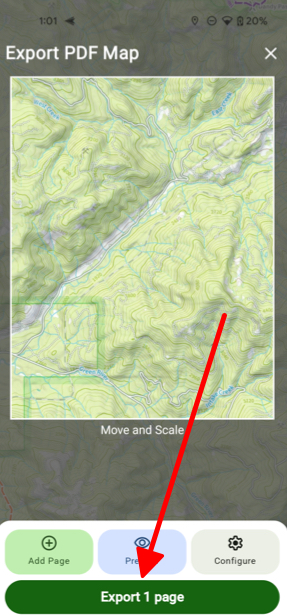
- Next, tap Export PDF Map.
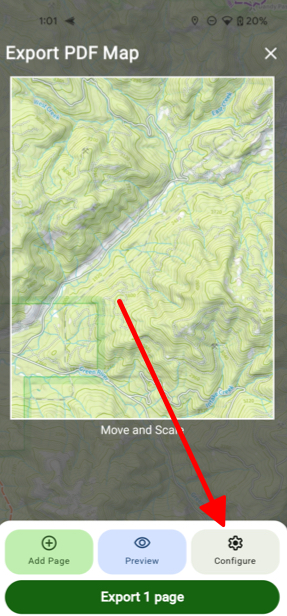
- If you want to customize how your PDF looks, then simply tap Configure and customize from there.
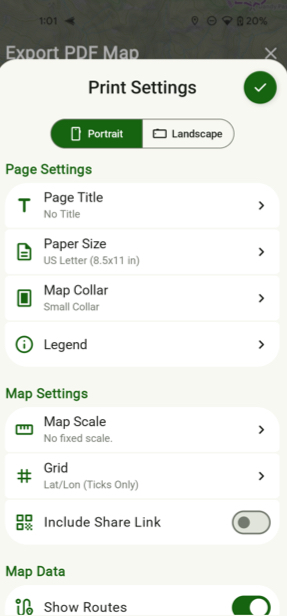
- Then, tap Export.

Still need help? Contact Us Contact Us