Importing & Exporting Shapeflies (shp) on Android
You can import and export shapeflies (.shp) in Topo Maps+. When you import a shapefly, the attributes are preserved and the data is imported into a Data Layer.
Importing Shapeflies:
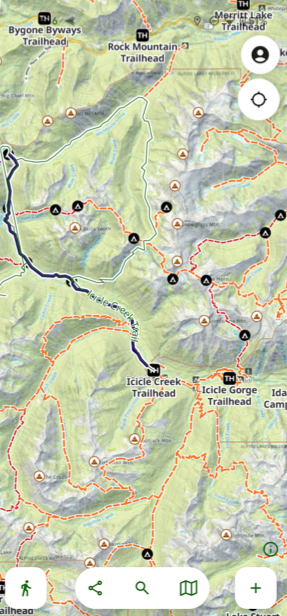
- Tap Add at the bottom of the screen.
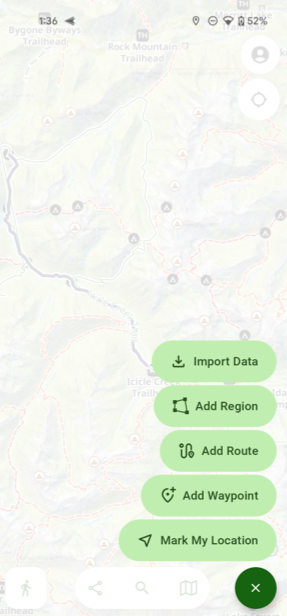
- Then tap Import Data.
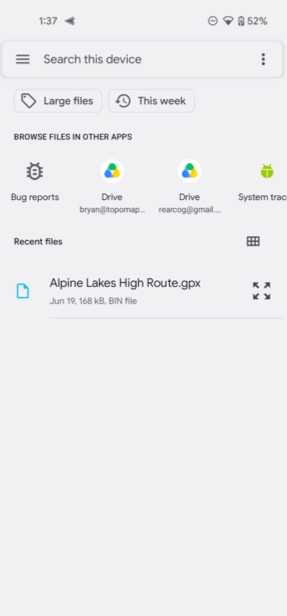
- Next select the data you want to import.
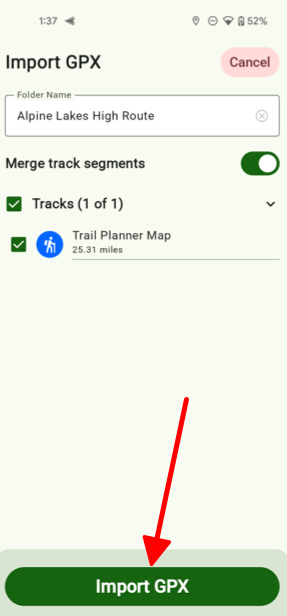
- Then tap Import Map/GPX.
Exporting Shapeflies:
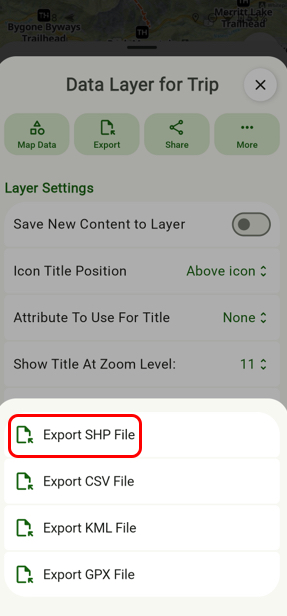
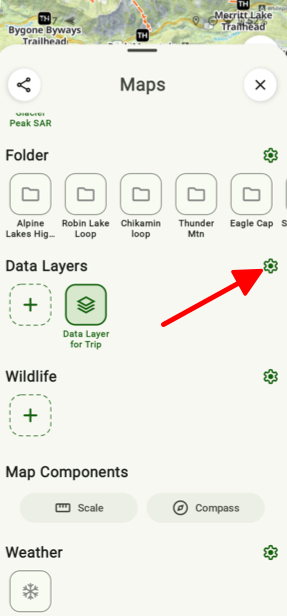
- Under the Data Layers tab and tap the Settings icon.
- Next tap Export.
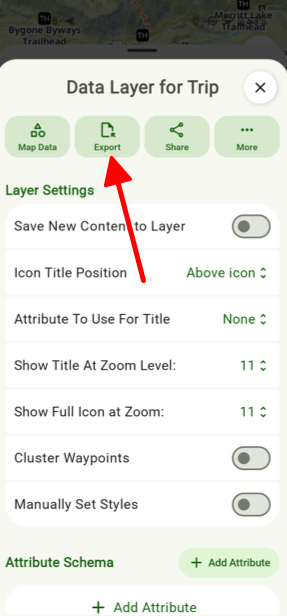
- Then tap Export SHP File.