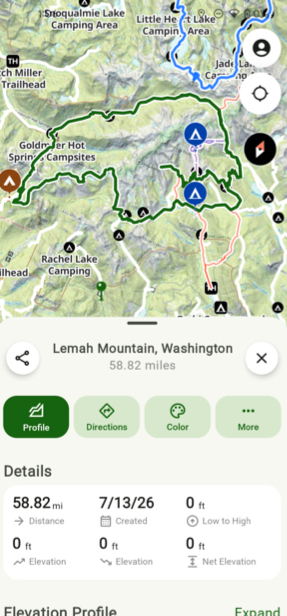
Updated Snap to Trail on Android
With the Tap with Snap to Trail feature, you can create routes with just a few taps on the screen, making your trip planning faster and easier than ever.
How to Set Up:
- Go to the map area where you are planning your route and then tap Add in the bottom left corner of the screen.
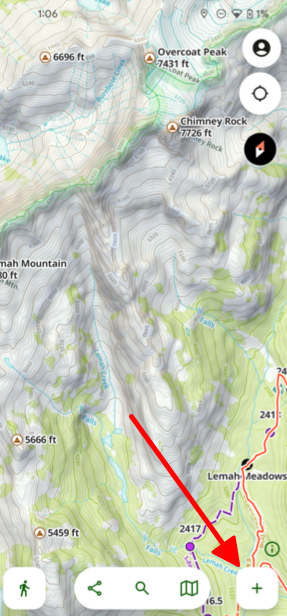
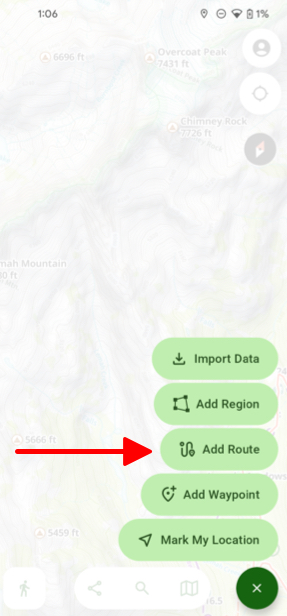
- Tap Add Route.
- On the New Route menu select Tap With Snap To Trails.
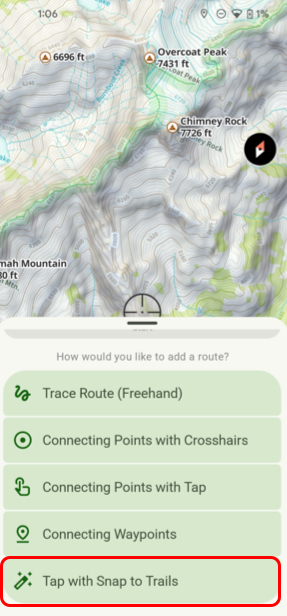
- Next move the crosshairs to where you want to begin and tap Start.
- Tap as many locations as you want along your route and when your finished tap Save.
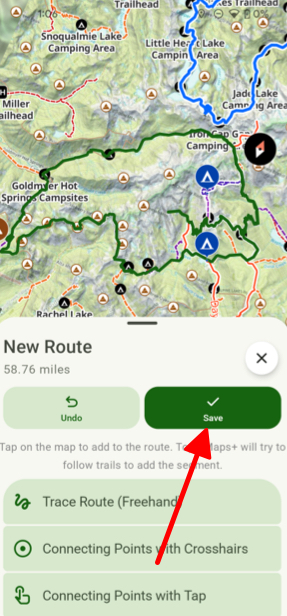
- After saving your route the information menu for that route will be displayed in its info tab.