Recording a Track on Android
How to Record:
- Tap the Hike button in the bottom left of the screen
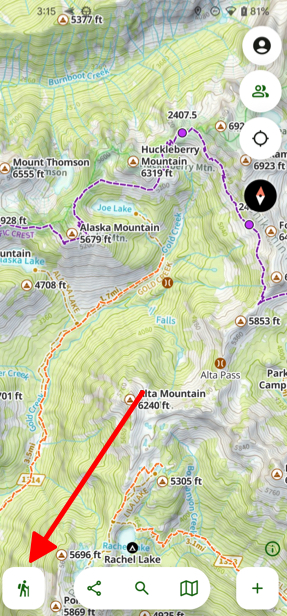
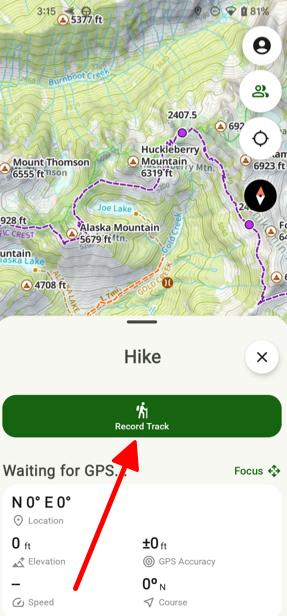
- Then tap Record Track.
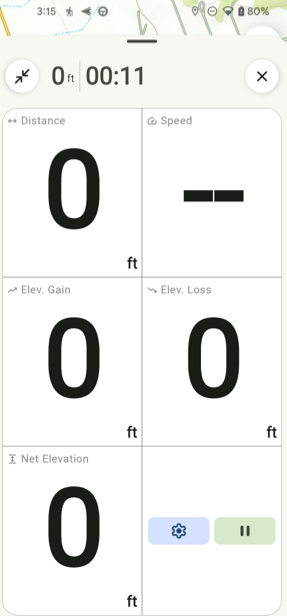
- While recording you can see all of your current stats.
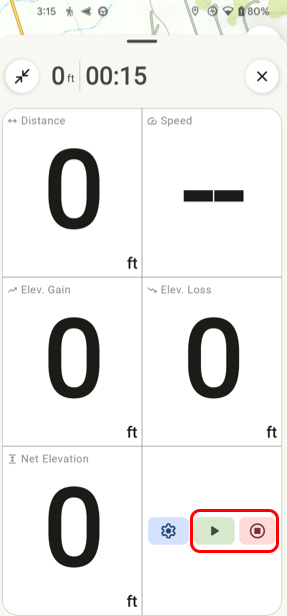
- If you tap the Pause button you can either end your track or resume it.
Note: Once you end your track you will no longer be able to add on to that track.
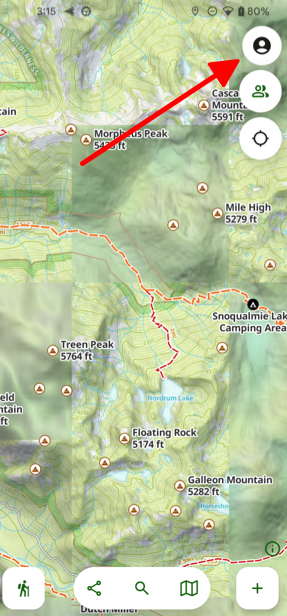
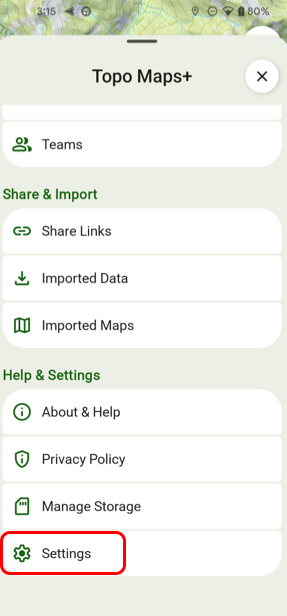
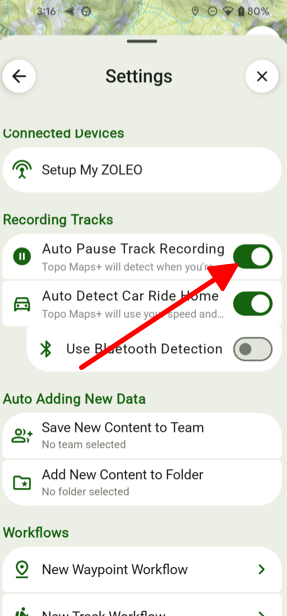
- If you don't want the track to continue to be recorded when you stop for breaks, etc. then tap the Menu button in the top right corner, scroll down and tap Settings and then tap Auto Pause Track Recording.